PAGE 109
FIREBALL INSTALLATION & USER’S GUIDE - M22001-01A1
CHAPTER 6 - MANAGING MUSIC
To Search For Cover Art
This option allows you to view the current cover art and select an option to look up the
cover.
u Press the MUSIC key to show the Music Guide.
v Use the ARROW keys to highlight the disc you want to obtain the cover for.
w Press the OPTION key.
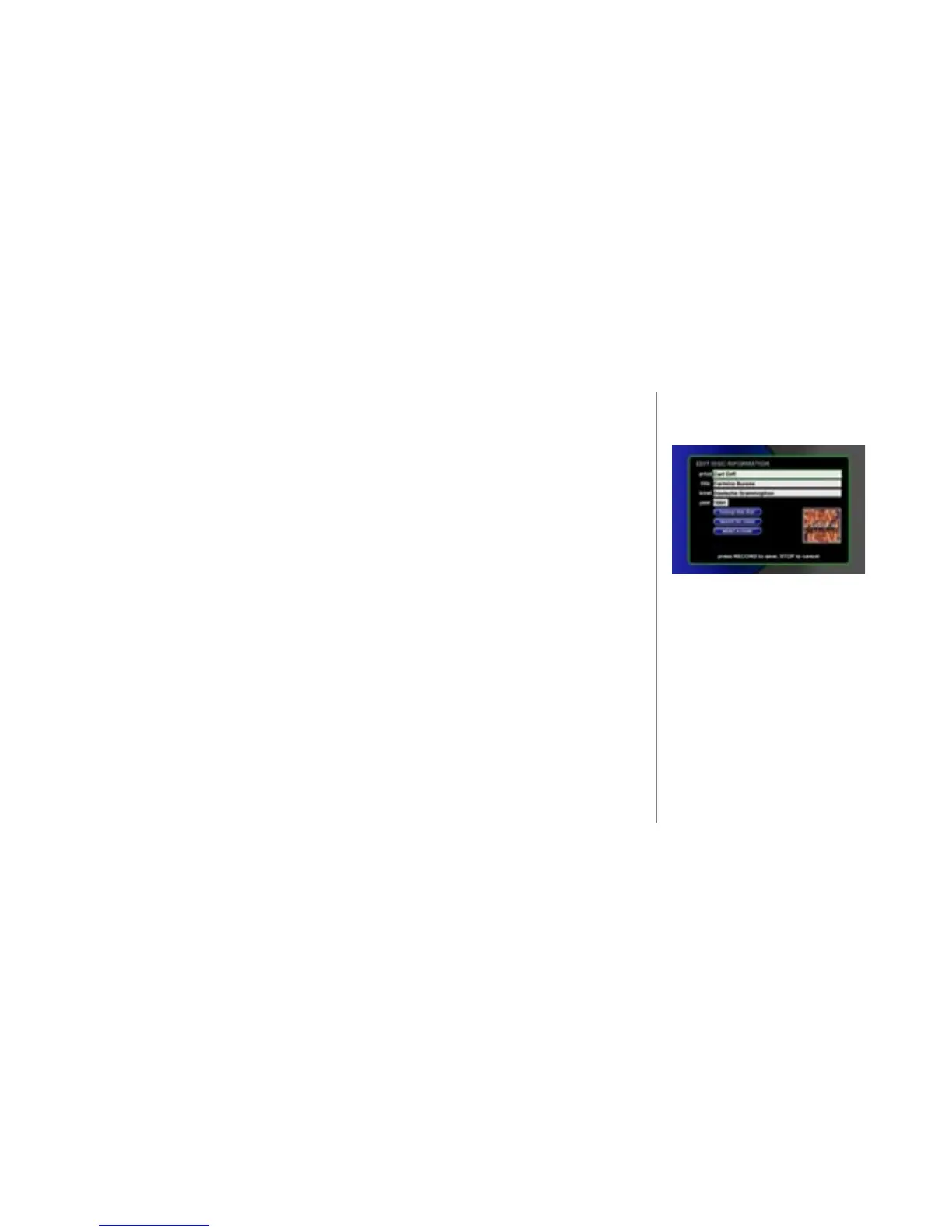
x At the OPTION panel, SELECT the edit disc button. The EDIT DISC INFO
screen displays.
y Use the ARROW keys to move to the search for cover button and press
SELECT.
z A “search for cover” conrmation dialog box appears. You may change the
Artist Name and Title for the search. The change is not saved with the disc.
{ Press SEARCH to continue. If a new cover is not found, then the current cover
remains. If a new cover is found, the resulting cover selection is displayed in
the screen..
| Press the RECORD key to save the new cover with the title.
2
The Search for Cover dialog allows
you to search for covers using an
alternate Artist Name and/or Title
without changing the titles's actual
information.
Try removing any dates, disc num-
bers, and common words from the
Search for Cover title eld.



 To Next Page