PAGE 134
FIREBALL INSTALLATION & USER’S GUIDE - M22001-01A1
CHAPTER 8 - CUSTOMIZING FIREBALL
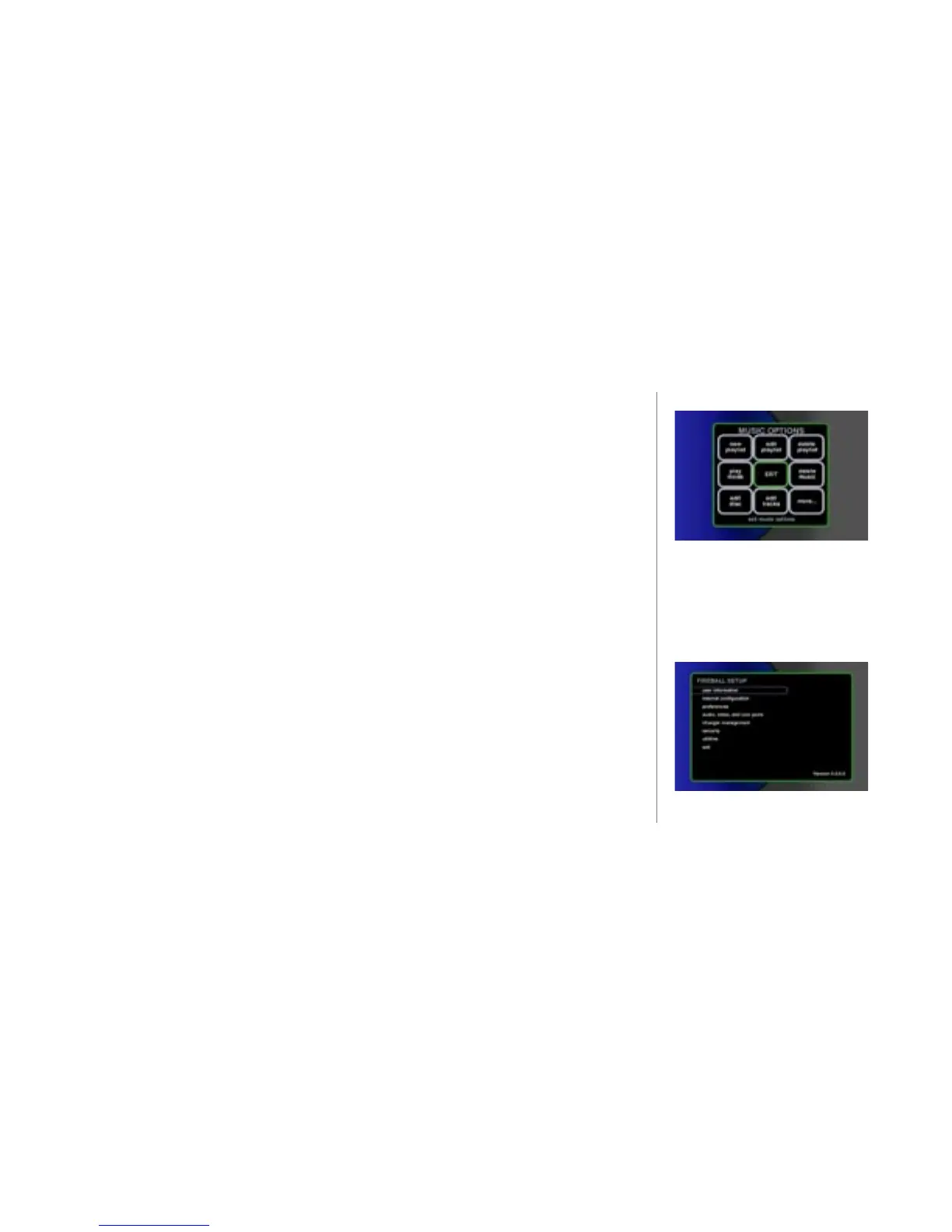
Two Ways to Customize FireBall
There are two methods of customizing FireBall: through the OPTIONS menu or through
the SETUP Menu. The OPTIONS menu is used to customize features which need
frequent changing during the normal operation of the system, while the SETUP menu
provides access to general user preferences.
Use the OPTIONS menu for:
• Organizing access to content - managing groups, managing play lists, editing
music information, deleting music, looking up music information, and
transferring or recording music to portable players.
• Adjusting player controls - play modes (random, repeat, etc.)
Use the SETUP Menu to change:
• user information
• internet conguration
• preferences
• audio, video, and com ports
• changer management
• security
• utilities
These menus will be covered in this chapter.
2
The OPTIONS menu is discussed
in Chapter 6: Managing Music.



 To Next Page