PAGE 111
FIREBALL INSTALLATION & USER’S GUIDE - M22001-01A1
CHAPTER 6 - MANAGING MUSIC
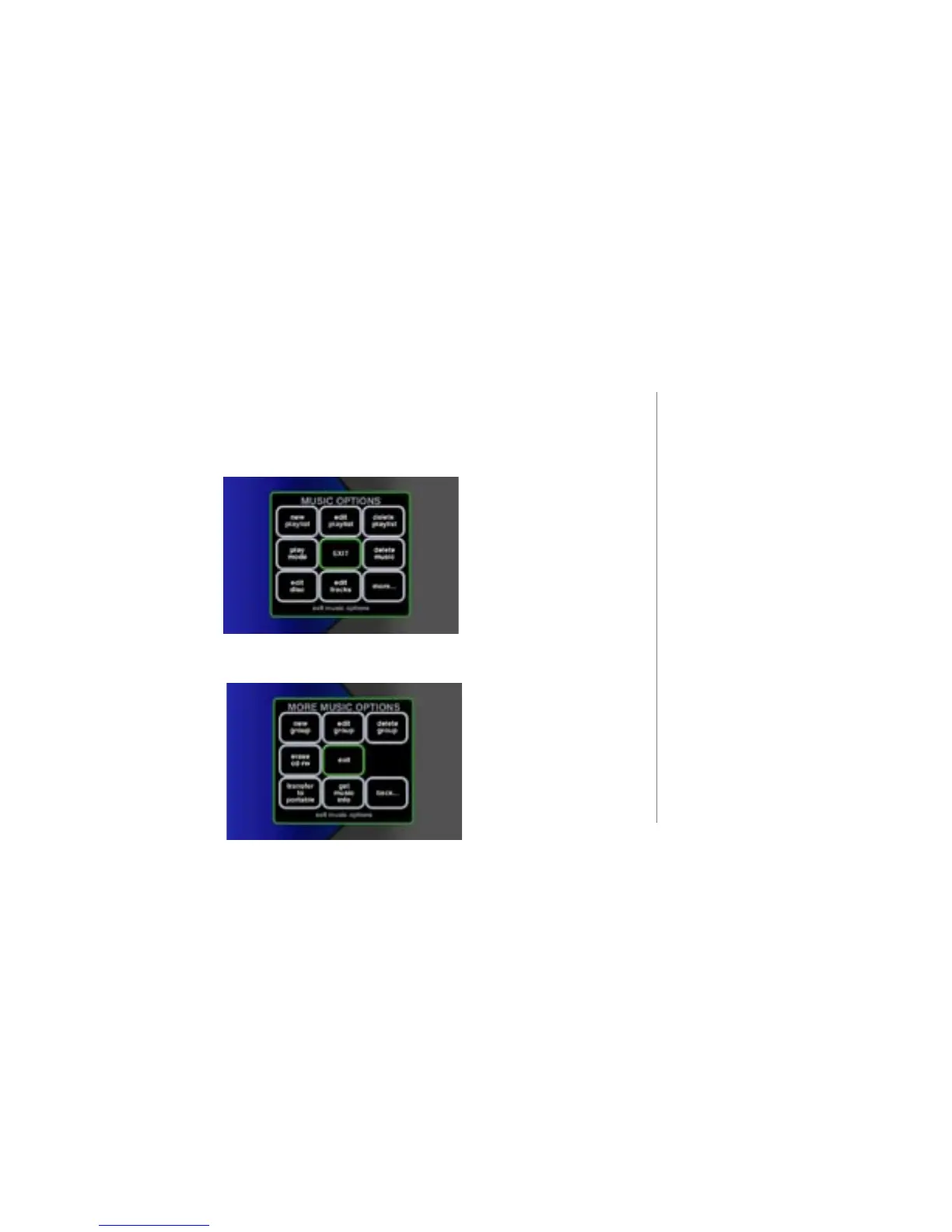
To Access “More...” Music Options
There are two screens of MUSIC OPTIONS. The rst screen appears when you press
the MUSIC key followed by the OPTION key.
The second screen becomes available after SELECTING the “more...” button in the
original MUSIC OPTIONS screen.
2
“Button” refers to a graphic item
on the display screen.
“Key” refers to the pushdown
mechanisms on your remote or
keyboard.
2
Use the ARROW keys to highlight
the desired option and use the
SELECT key to activate the desired
option.



 To Next Page