PAGE 140
FIREBALL INSTALLATION & USER’S GUIDE - M22001-01A1
CHAPTER 8 - CUSTOMIZING FIREBALL
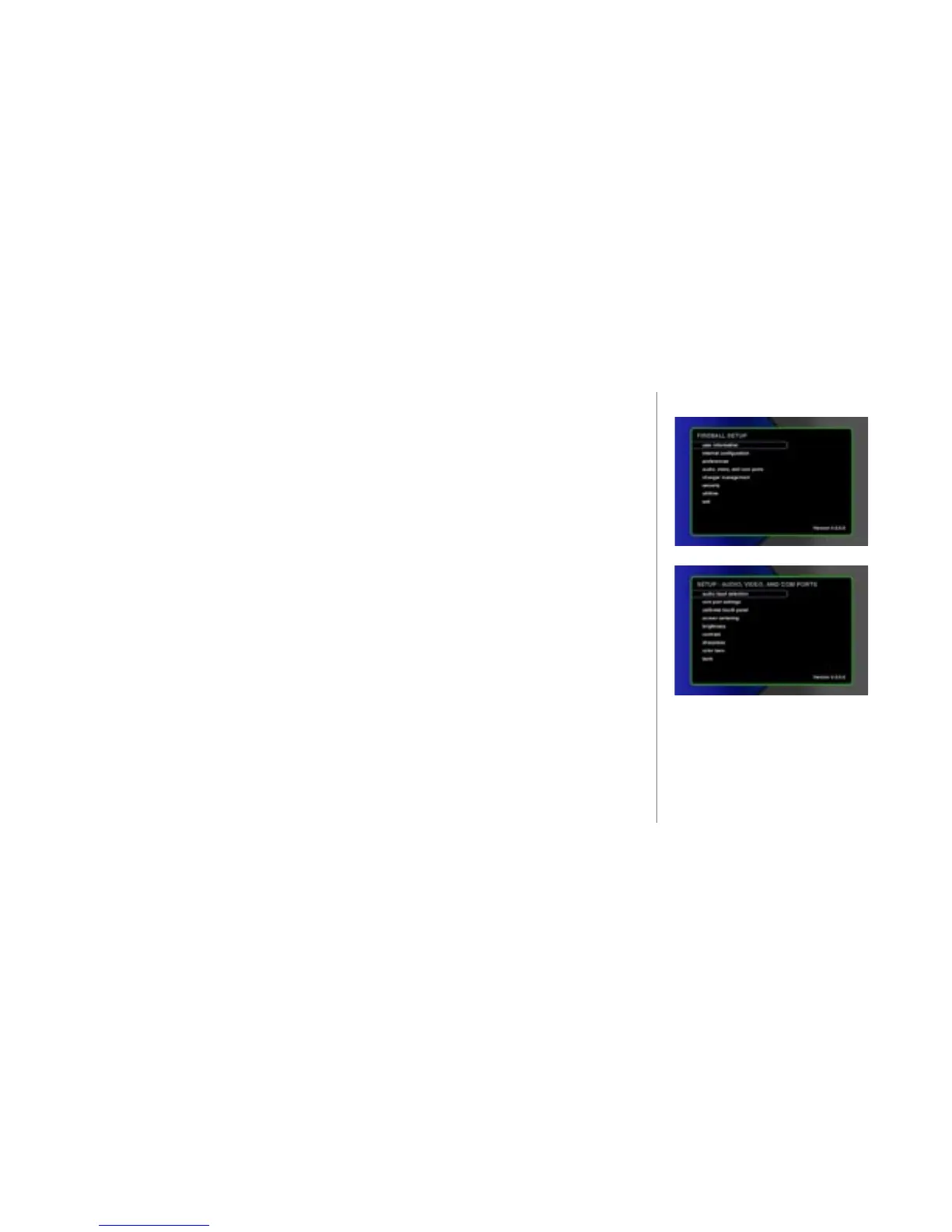
To Change Audio, Video, and Com Ports Settings
u Press the SETUP key on the remote control or keyboard. The SETUP main
menu displays.
v Select the menu item audio, video, and com ports. The menu displays.
w Select the sub-menu item you want to modify and follow the instructions on the
screen.
audio input selection - Species which digital audio inputs are used for your
CD changers. Both optical and coaxial digital inputs are provided.
com port settings - During the Quick Start setup, changers and touchscreens
attached to the communication ports were automatically detected. If you attach
additional equipment use this screen to indicate which of the 3 com ports are
used by an optional touch panel, external control system, or Elan system.
calibrate touch panel - Allows an attached ETP-1000 touch screen display
device to be calibrated.
screen centering - Adjusts the horizontal placement of the FireBall screen so
that the generated computer image is centered horizontally on your TV.
2
The LEFT, and RIGHT ARROW
keys on the remote or keyboard
are used to position the screen
horizontaly.



 To Next Page