PAGE 150
FIREBALL INSTALLATION & USER’S GUIDE - M22001-01A1
CHAPTER 8 - CUSTOMIZING FIREBALL
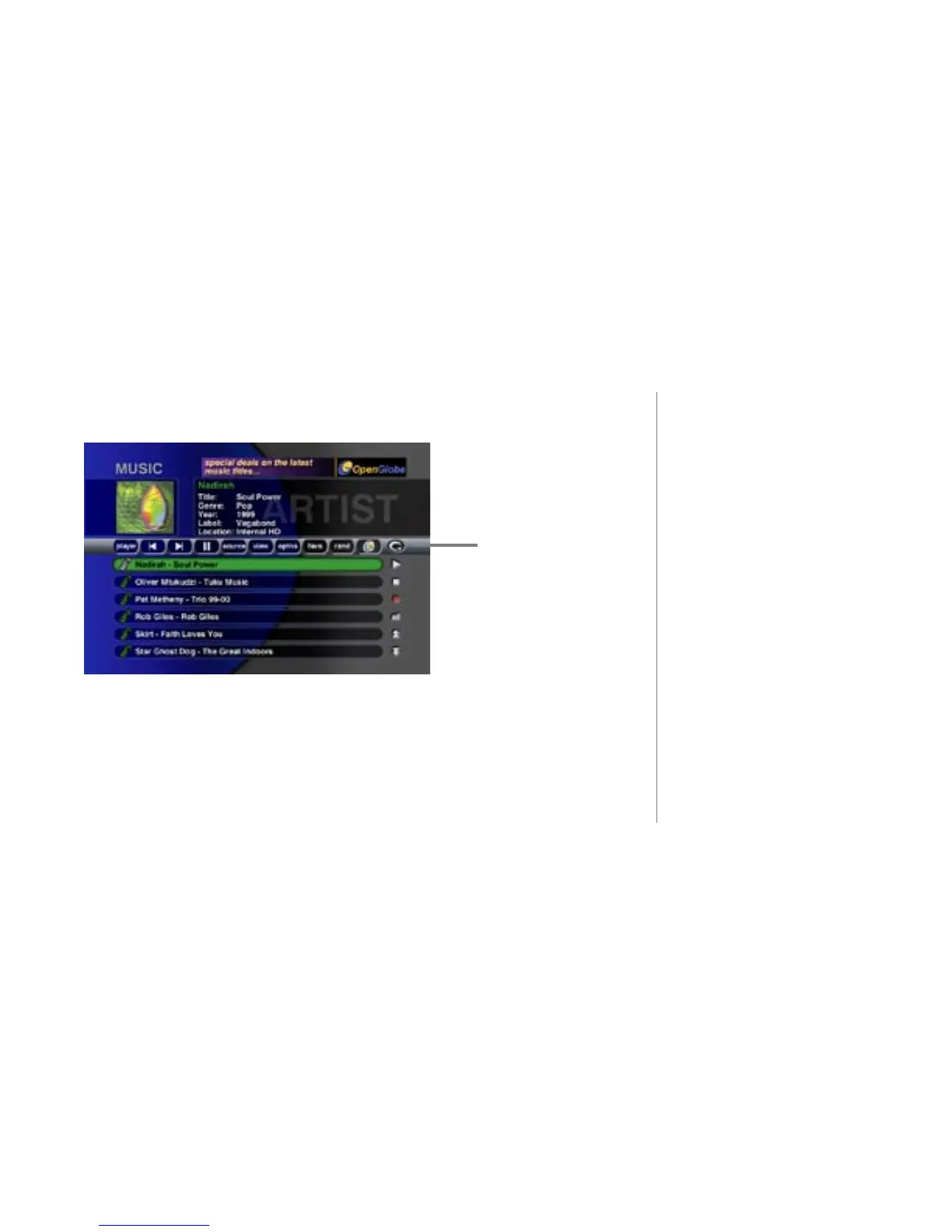
Pressing the toggle button again will change the view from the alpha-numeric bar to the
remote control button bar.
The remote control bar includes:
• Pause, Skip forward, and Skip backward transport controls
• Player - Show the Player screen
• Source - Toggle between Radio and Music source modes
• View - Changes the Music Guide View
• Options - Displays the Options Menu
• Favorites - Plays the Default Favorites Playlist
• Random - Plays the current Group in Random Play Mode
remote control
button bar



 To Next Page