PAGE 153
FIREBALL INSTALLATION & USER’S GUIDE - M22001-01A1
CHAPTER 8 - CUSTOMIZING FIREBALL
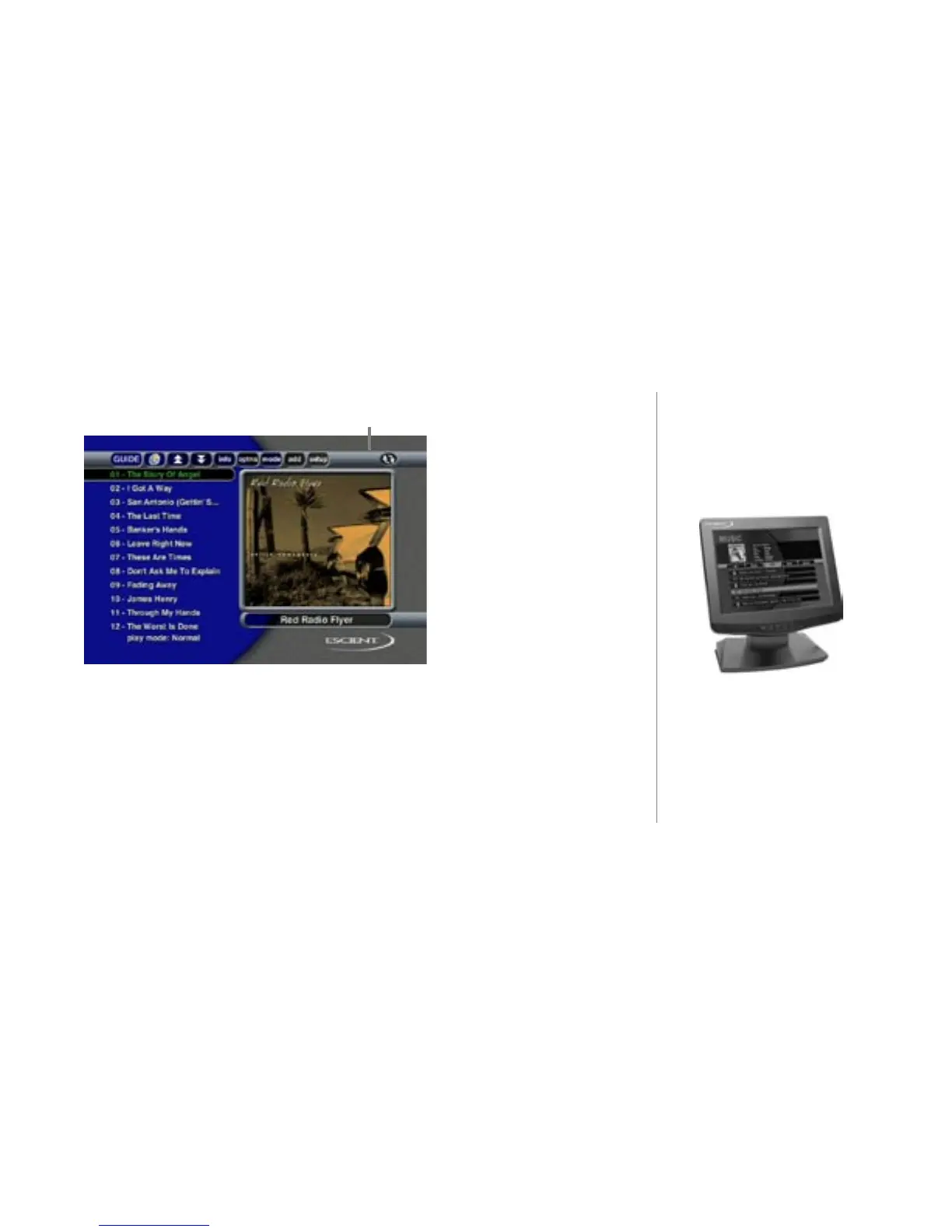
remote control button bar
The remote control button bar is displayed when the toggle button is pressed again.
The Remote Control Button Bar includes:
• Guide - Show the Guide screen
• OpenGlobe - Go to the OpenGlobe Home screen
• Page Up/Down - scroll the Track list a page at a time
• Info - Display the Info screen
• Options - Display the Options menu screen
• Mode - Cycle through the Play Modes
• Add - Add the currently highlighted track to the Favorites Playlist
• Setup - Display the Setup menu
Escient Touch Panel



 To Next Page