PAGE 30
FIREBALL INSTALLATION & USER’S GUIDE - M22001-01A1
CHAPTER 2 - SETTING UP FIREBALL
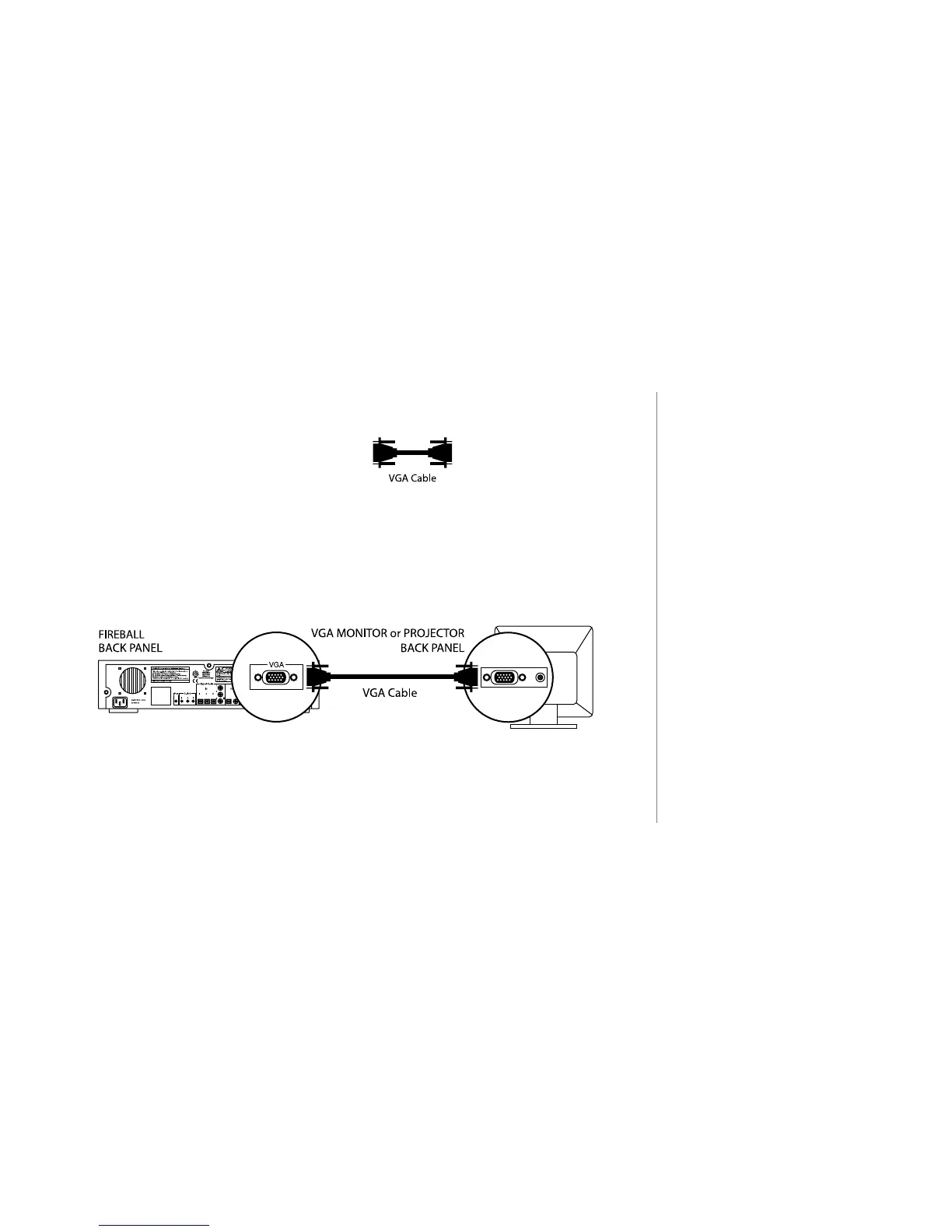
Connecting FireBall to a VGA Projector, Monitor or Touch Screen.
u Use a VGA cable.
(Not supplied with FireBall.)
v Connect one end of the cable to the FireBall VGA port.
w Connect the other end of the cable to the VGA port on your VGA device.
2
If you are connecting to a VGA
Projector or Monitor, you will need
to supply your own VGA cable
(must be less than 25 feet).
The Escient ETP-1000 includes the
proper VGA cable.



 To Next Page