PAGE 50
FIREBALL INSTALLATION & USER’S GUIDE - M22001-01A1
CHAPTER 3 - GETTING STARTED
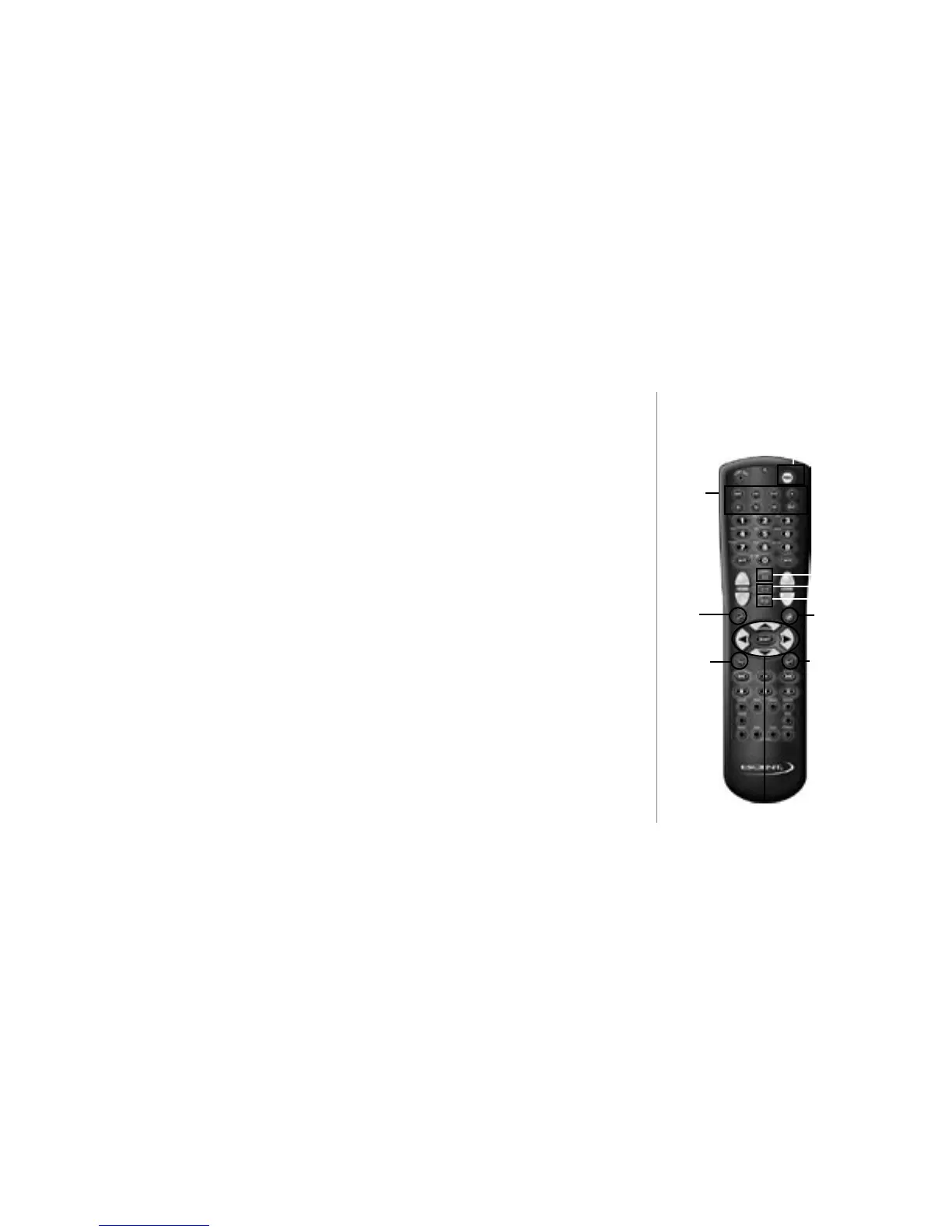
OPTION - brings up the OPTIONS screen for the current Guide or Player.
OPENGLOBE - takes you to the CE-Commerce screens to allow you to browse and
purchase music and movies using your FireBall.
VIEW - toggles the Guide screen Views through Artist, Music, Song, and Cover views.
Navigation Keys - the UP, DOWN, LEFT, and RIGHT ARROW keys are used to
navigate and highlight items, while the SELECT key is used to accept the currently
highlighted item.
Mode Key
Setup Key
Option Key
View
Key
OpenGlobe
Key
FireBall
Navigation
& Control Keys
Source
Keys
Power Key
Guide
Key
Info
Key



 To Next Page