PAGE 53
FIREBALL INSTALLATION & USER’S GUIDE - M22001-01A1
CHAPTER 3 - GETTING STARTED
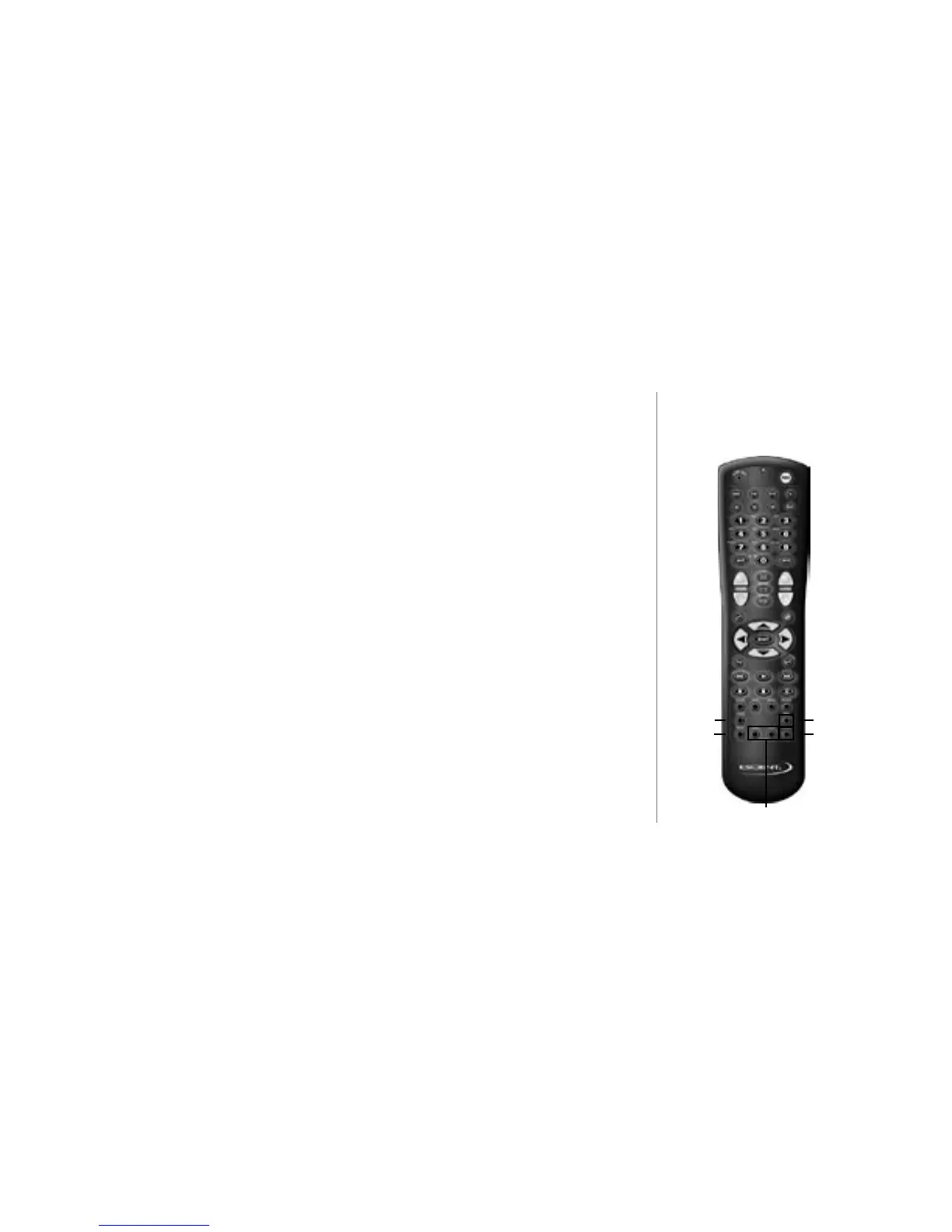
iRADIO - selects Internet Radio as the current mode. The currently available Internet
Radio stations will be displayed.
MUSIC - selects Music as the current mode. The contents of your music collection will be
displayed.
NEXT - skips forward to the next song based on the current play mode.
RANDOM - allows one key access to start playing your music randomly.
ADD TO FAVORITES - adds the currently highlighted song to the special Playlist called
“favorites”.
PLAY FAVORITES - allows one key access to play your favorite music. Plays the “Fa-
vorites” Playlist.
Next
Random
iRadio
Music
Add to Favorites
Play Favorites



 To Next Page