PAGE 62
FIREBALL INSTALLATION & USER’S GUIDE - M22001-01A1
CHAPTER 3 - GETTING STARTED
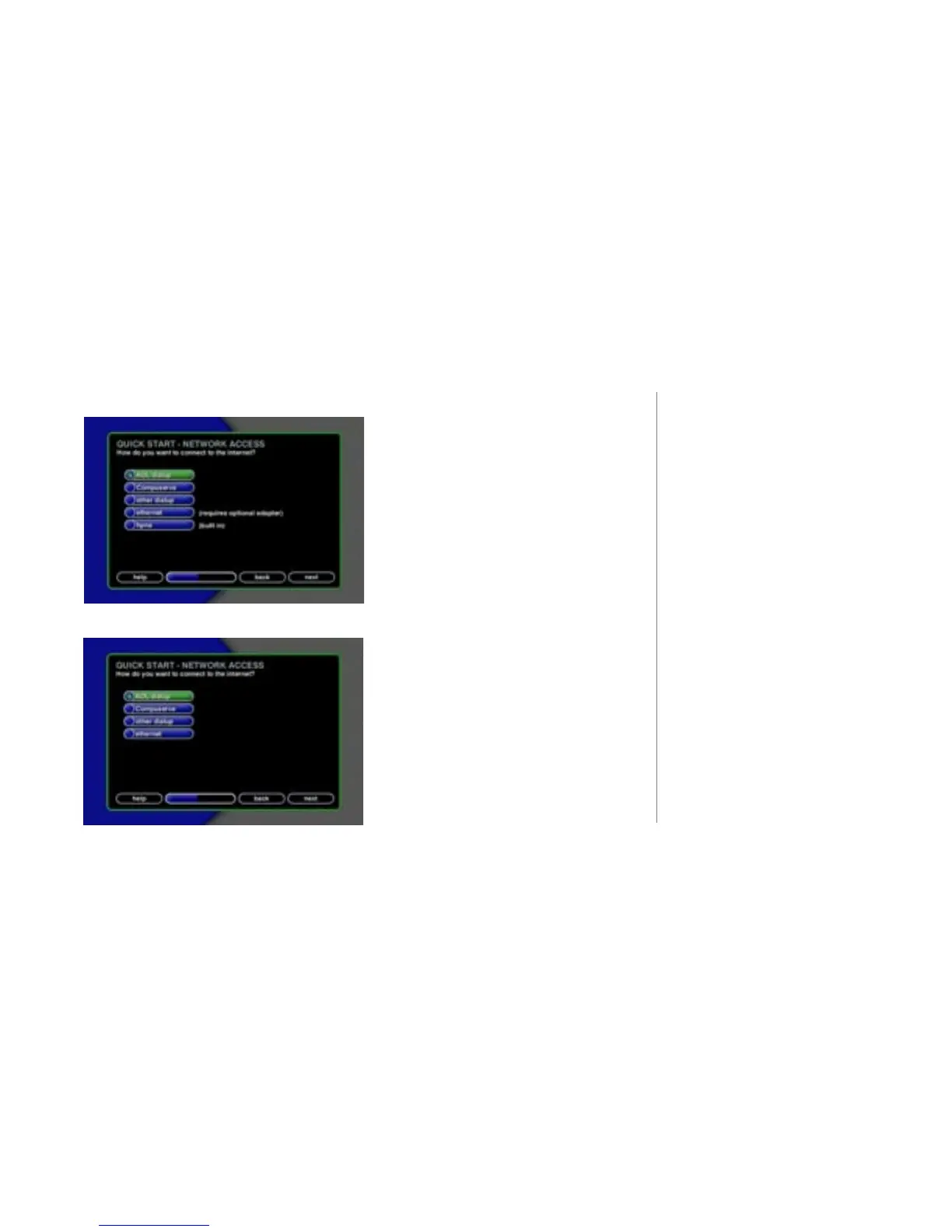
Quick Start - Internet Access Connection Type (FireBall)
x
Which type of Internet connection
do you have? The choices are:
AOL Dial-up, CompuServe Dial-up,
Other Dial-up, Ethernet (cable
modem, DSL, LAN) or HomePNA.
AOL Dial-up is highlighted by
default.
If you are using Ethernet or
HomePNA, go to step 8.
Quick Start - Internet Access Connection Type (FireBall E)
x (FireBall E)
Which type of Internet connection
do you have? The choices are:
AOL Dial-up, CompuServe Dial-up,
Other Dial-up, or Ethernet (cable
modem, DSL, LAN). AOL Dial-up is
highlighted by default.
If you are using Ethernet, go to
step 8.



 To Next Page