8 CueSystem
Adopting Devices to the Local Network
One CueSystem desk or playback unit must be assigned as a master controller, storing all
show file and setup information for the rest of the system. By default, the master controller is
a playback unit. If you do not have a playback unit, the master controller must be a desk.
In order for your CueSystem network to function correctly, you must point all devices (desks
and outstations) to that master controller. The process of pointing CueSystem devices to a
master controller is called adopting.
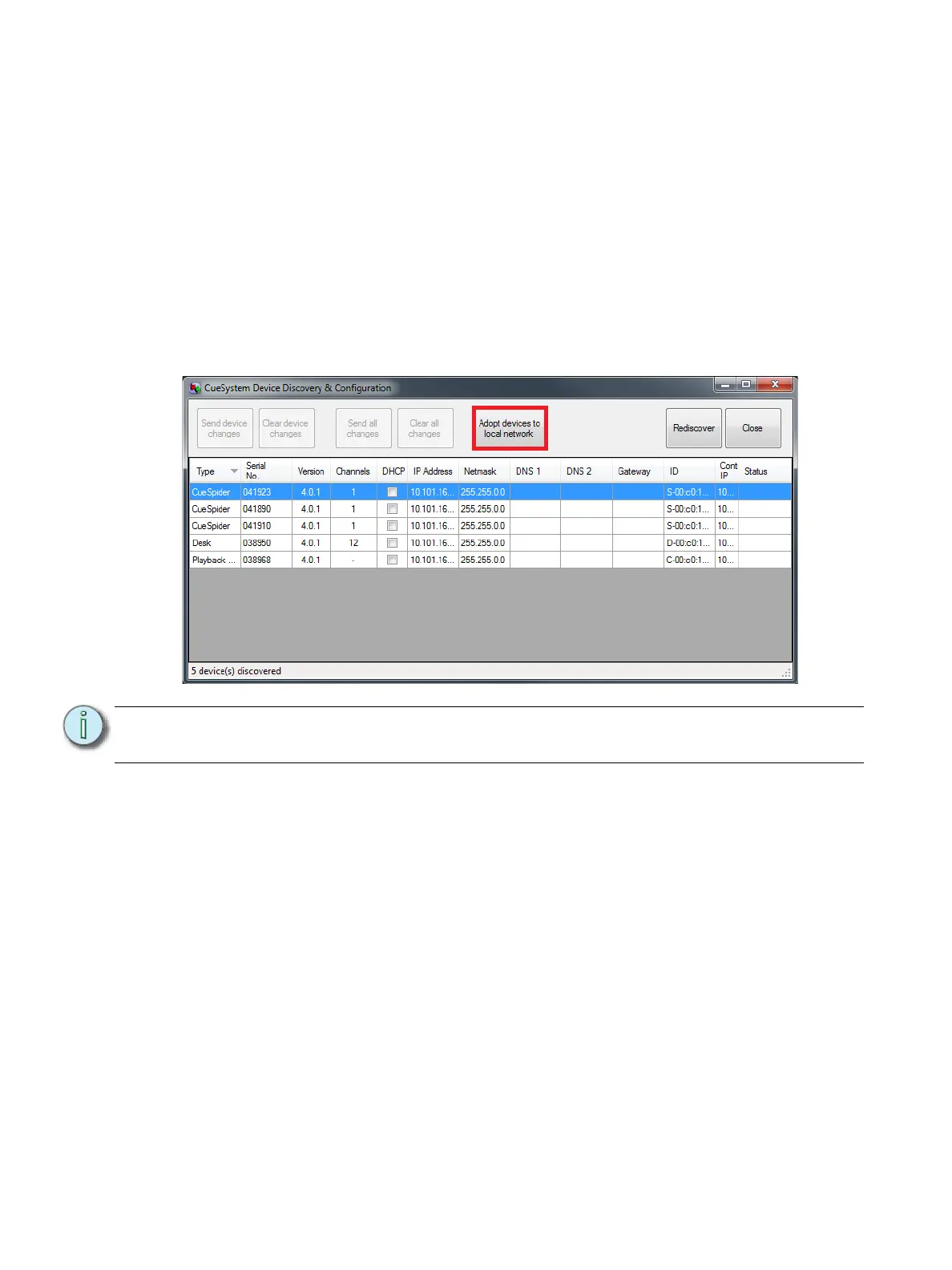
To adopt a device to the master controller, select the device in the CueSystem Device
Discovery & Configuration window and then click Adopt devices to local network. The
Controller IP field for the selected device is set to the IP address of the selected master
controller.
Note:
In order to adopt devices, the CueSystem PC software must be connected and online
with the master controller.













 To Next Page