20 CueSystem
Using Show Files
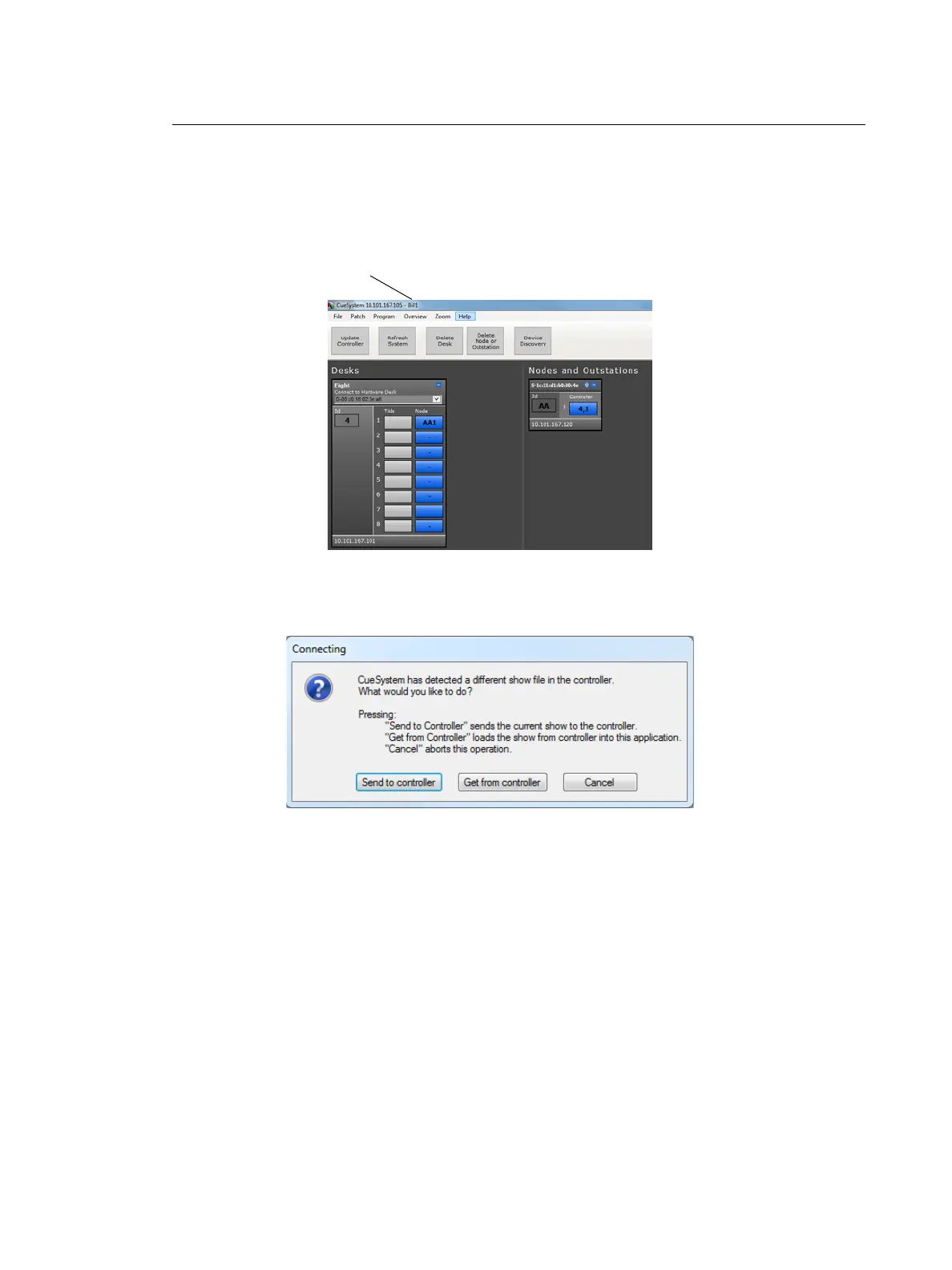
A show file consists of a configuration of cues, patching information, and user options. The
name of the currently loaded show file (stored on your hard disk) is displayed in the title bar
of the CueSystem software. If you see the word "downloaded" instead of the name of a
show file, this means that the show file has been downloaded from the controller (it is not
one of your show files loaded from hard disk).
Creating a New Show
Select File > New. You are prompted to choose one of the following options:
Saving Show Files on the Local PC
Select File > Save. The application saves the file locally and, if you chose to send the file to
the controller when you created or opened the file, also saves it to the controller.
To save a show file with a different name:
Step 1: Select File > Save As.
Step 2: Specify a new name for the file, then click Save. The application saves the file locally and,
if connected to a controller, also saves the file to the controller.
Name of the currently loaded
show file













 To Next Page