Using Show Files 21
Opening Show Files
To open a saved show stored on your hard disk, do one of the following:
• From within CueSystem software, select File > Open. Locate the file that you want to open and
then click Open. Choose how to open the file (see below).
• From outside of CueSystem software (for example, in Windows Explorer or on your desktop),
double-click the show file. CueSystem software opens. Choose how to open the file (see below).
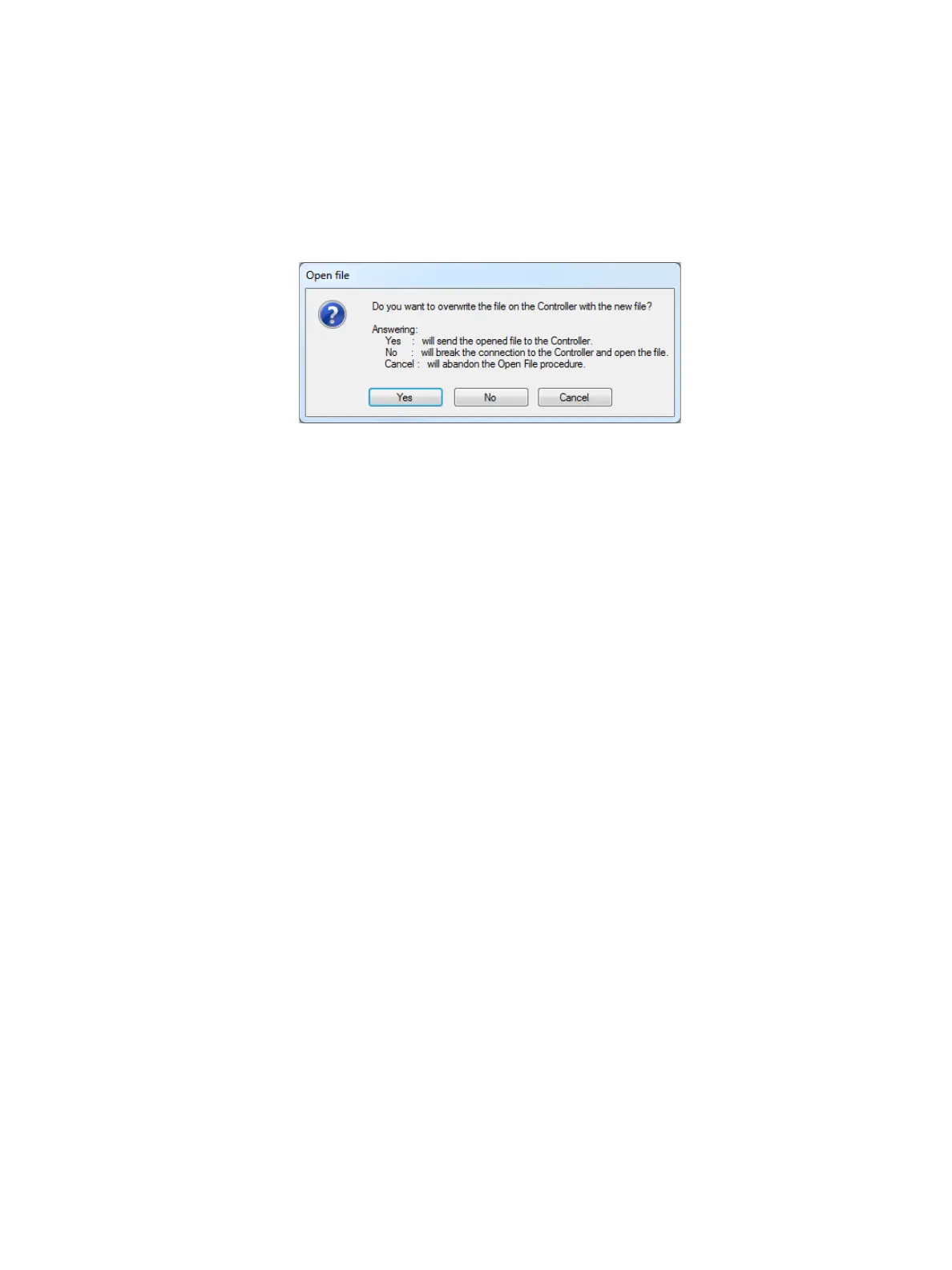
You are prompted to choose how to open the file:
• Yes: Open the file in CueSystem software and send it to the master controller (overwriting the
current file on the master controller) and maintain the network connection.
• No: Open the file offline (preserving the file on the master controller) and disconnect the network
connection.
• Cancel: Cancel opening the file.
To open the show file currently held on the master controller:
• Select File > Open show on controller. The application loads the show file from the master
controller into the CueSystem software application.













 To Next Page