12 CueSystem
Managing the Patch Window
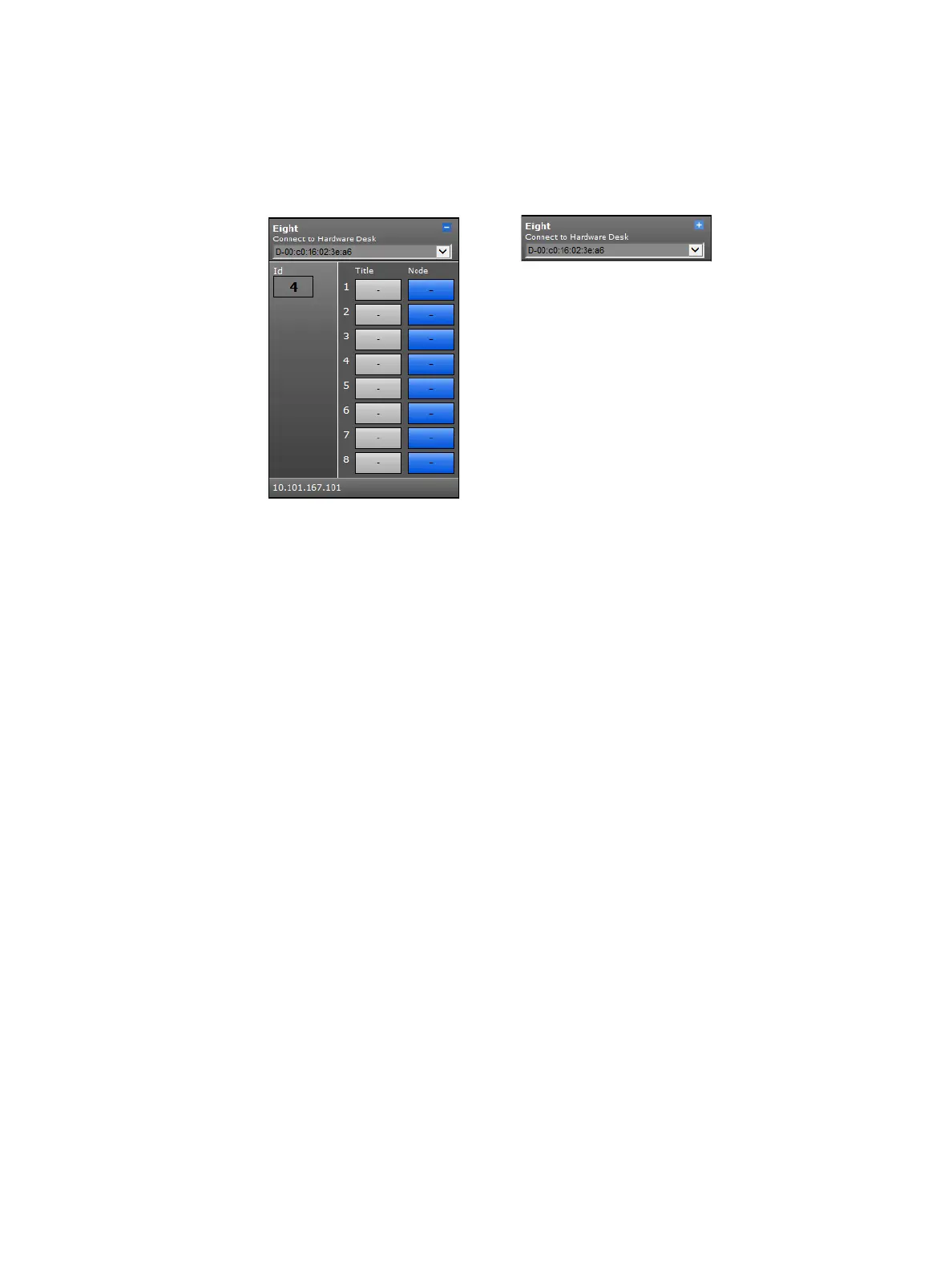
To make the Patch window less cluttered, you can minimize the graphics for desks and
outstations so that you see only the name and type of the device. This is useful, for example,
when offline devices take up too much room on the screen and you only want to see the
connected devices. To minimize a device, click the icon in the top-right corner of the device.
Click Refresh System to request a database refresh. This is used for two purposes:
• To refresh the CueSystem software when you change the connected hardware in your
configuration and to read the new hardware configuration so that it appears in the software
• To discard any patch information changes that have not yet been sent (by clicking Update
Controller)
Click Delete Desk to delete database records of real hardware desks that are no longer
required (and are not currently connected). A window opens in which you can choose the
desk to delete.
Click Delete Node or Outstation to delete database records of outstations that are no
longer required (and are not currently connected). A window opens in which you can choose
the outstation to delete.













 To Next Page