20 PISA-E11 User`s Manual
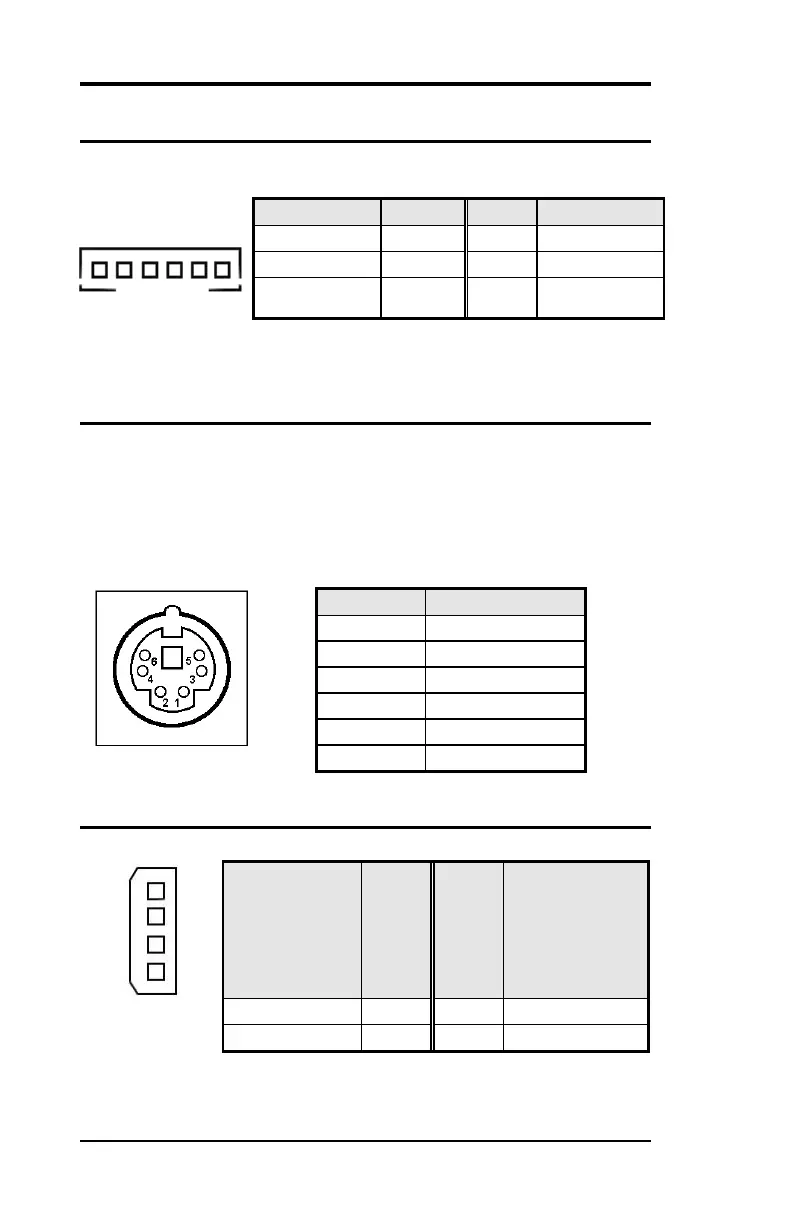
INT_KBMS Connector
INT_KBMS is for internal input devices or MSR connection. The pin
out is listed as below:
PS/2 Keyboard & Mouse Connector
The following table describes the pin assignment of PS/2 Keyboard
and Mouse connector, which is mount on button of bracket. To
attach PS/2 Keyboard and mouse, users need to connect trough a
PS/2 1-to-2 Y-cable and plug into this Mini-Din connector. All the
PISA-E11 boards come with a Y-cable. Contact with your dealer if the
Y-cable is missing.
PWR_IN Connector



 To Next Page