PISA-E11 User`s Manual 37
IDE Channel 0, 1 Master/ Slave
The IDE adapters control the hard disk drive. Use a separate sub
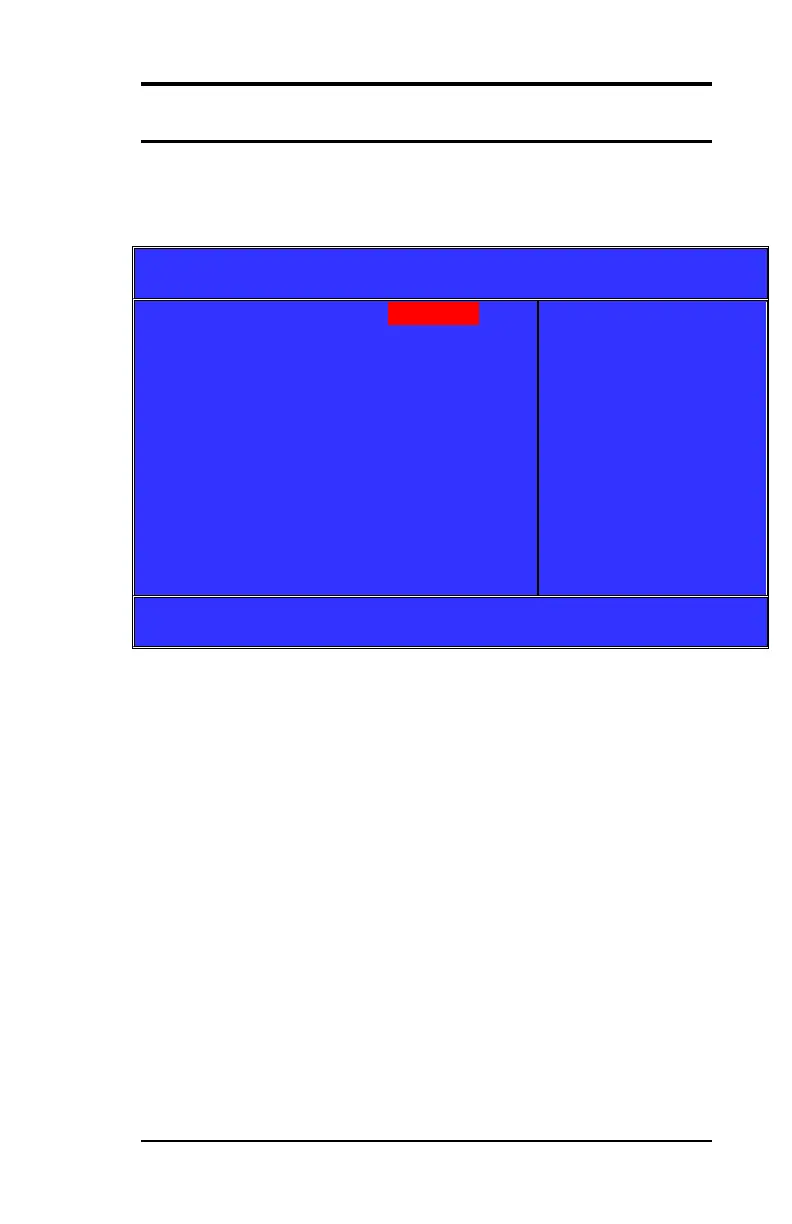
menu to configure each hard disk drive. Figure 3 shows the IDE
Channel 0 / Channel 1 master sub menu.
Phoenix-Award BIOS CMOS Setup Utility
IDE Channel 0 Master
Item Help
Menu Level ►
To auto-detect the HDD’s
size, head…on this
channel
↑↓← → :Move Enter: Select +/-/PU/PD: Value F10:Save Esc: Exit F1:General Help
F5:Previous Value F6:Fail-Safe Defaults F7:Optimized Default
(Figure 3)



 To Next Page