54 PISA-E11 User`s Manual
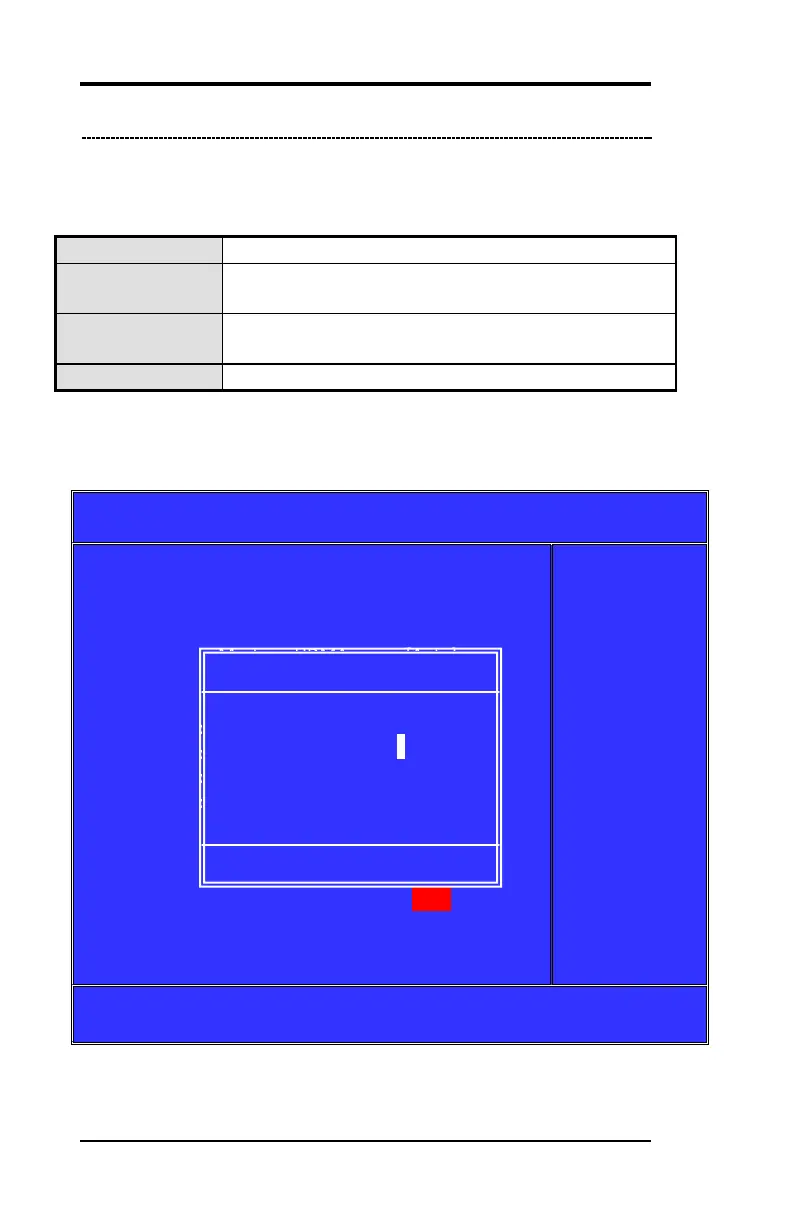
On-Chip Serial ATA
Choose the status of serial ATA, the default setting is "Auto" which
let system to arrange all parallel and serial ATA resource
automatically.
The choice: Disabled, Auto (default), Combined Mode, Enhanced
Mode, SATA Only
Phoenix-Award BIOS CMOS Setup Utility
On Chip IDE Device
On-Chip Secondary PCI IDE
IDE Secondary Master UDMA
*** On-Chip Serial ATA Setting***
x SATA PORT Speed Settings
Item Help
Menu Level ►
If your IDE hard
drive suppers
block mode
select Enabled
for automatic
detection of the
optimal number
of lock
read/writes per
sector the drive
can support
↑↓← → :Move Enter: Select +/-/PU/PD: Value F10:Save Esc: Exit F1:General
Help F5:Previous Value F6:Fail-Safe Defaults F7:Optimized Default
(Figure 10)
Will disable SATA controller. (Figure11)
Will combine PATA and SATA, and max of 2 IDE
drives in each channel. (Figure 12)
Will enable both SATA and PATA, and max of 6 IDE
drives is supported. (Figure 13)
Means SATA is operating in legacy mode.(Figure 14)
On-Chip Serial ATA
Disabled ….. [ ]
Auto ….. [ s ]
Combined Mode ….. [ ]
Enhanced Mode ….. [ ]
SATA Only ….. [ ]
: Move Enter: Accept ESC: Abort



 To Next Page