PISA-E11 User`s Manual 55
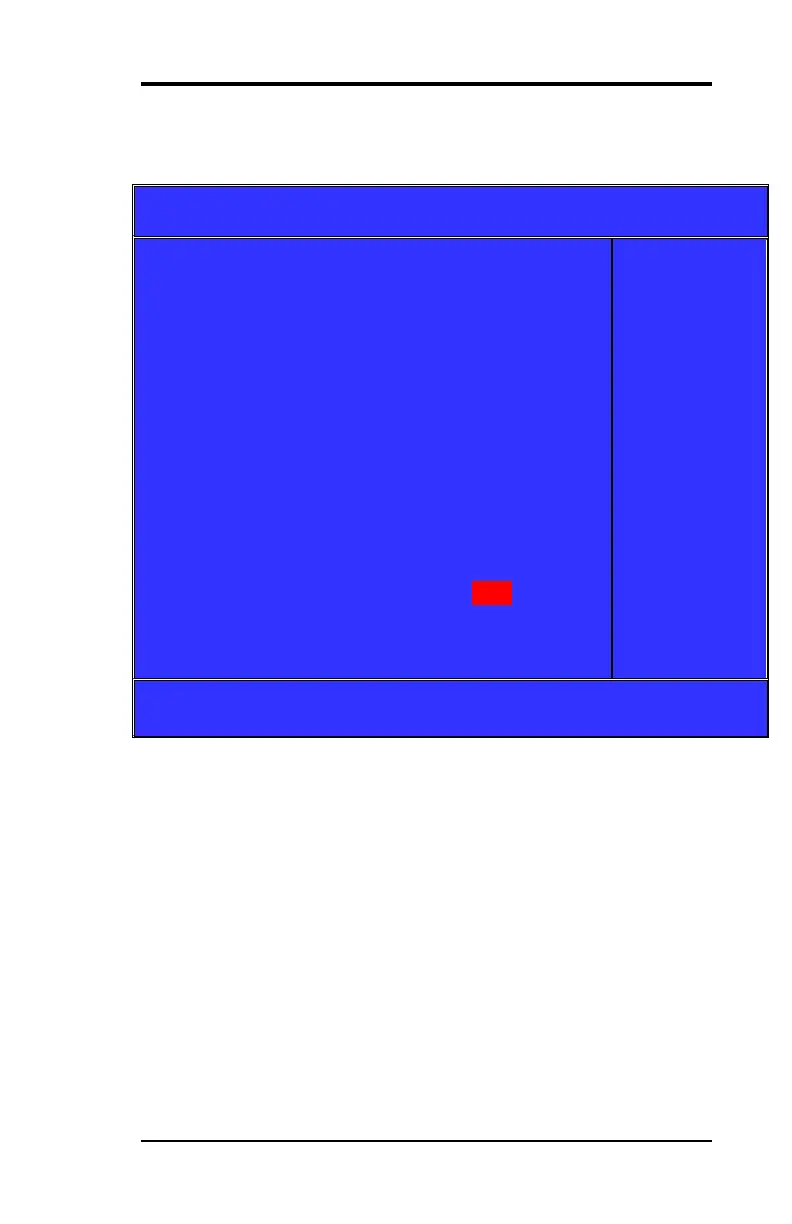
When you press [Disabled] or [Auto] on this item will show:
[Auto] is the default choice.
Phoenix-Award BIOS CMOS Setup Utility
On Chip IDE Device
On-Chip Secondary PCI IDE
IDE Secondary Master UDMA
*** On-Chip Serial ATA Setting***
x SATA PORT Speed Settings
Item Help
Menu Level ►
If your IDE hard
drive suppers
block mode
select Enabled
for automatic
detection of the
optimal number
of lock
read/writes per
sector the drive
can support
↑↓← → :Move Enter: Select +/-/PU/PD: Value F10:Save Esc: Exit F1:General
Help F5:Previous Value F6:Fail-Safe Defaults F7:Optimized Default
(Figure11)



 To Next Page