PISA-E11 User`s Manual 77
3.10 Load Fail-Safe Defaults
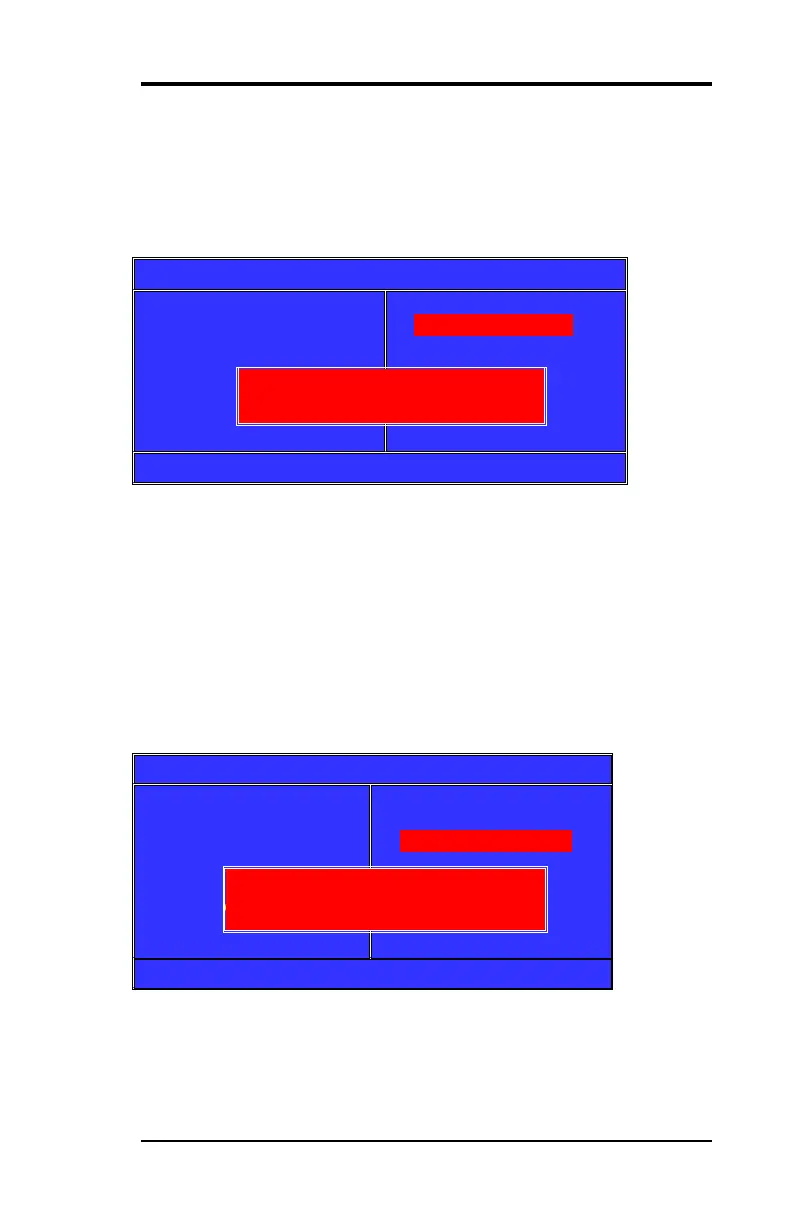
When you press <Enter> on this item you get a confirmation dialog
box with a message similar to:
Phoenix-Award BIOS CMOS Setup Utility
►Stand CMOS Features
►Advanced BIOS Features
►Advance Chipset Features
►Integrated Peripherals
►Power Management
►PnP/PCI Configuration
►PC Health Status
►Frequency/Voltage Control
Load Fail-Safe Default
Load Optimized Default
Set Supervisor Password
Set User Password
Save & Exit Setup
Exit Without Saving
Esc :Quit ↑↓← → :Select Item F10:Save & Exit Setup
Pressing ‘Y’ loads the BIOS default values for the most stable,
minimal-performance system operations.
3.11 Load Optimized Defaults
When you press <Enter> on this item you get a confirmation dialog
box with a message similar to:
Phoenix-Award BIOS CMOS Setup Utility
►Stand CMOS Features
►Advanced BIOS Features
►Advance Chipset Features
►Integrated Peripherals
►Power Management
►PnP/PCI Configuration
►PC Health Status
►Frequency/Voltage Control
Load Fail-Safe Default
Load Optimized Default
Set Supervisor Password
Set User Password
Save & Exit Setup
Exit Without Saving
Esc :Quit ↑↓← → :Select Item F10:Save & Exit Setup
Pressing ‘Y’ loads the default values that are factory settings for
optimal performance system operations.
Load Fial-Safe Defaults (Y/N)? N
Load Optimized Defaults (Y/N)? N



 To Next Page