80 PISA-E11 User`s Manual
3.13 Save & Exit Setup
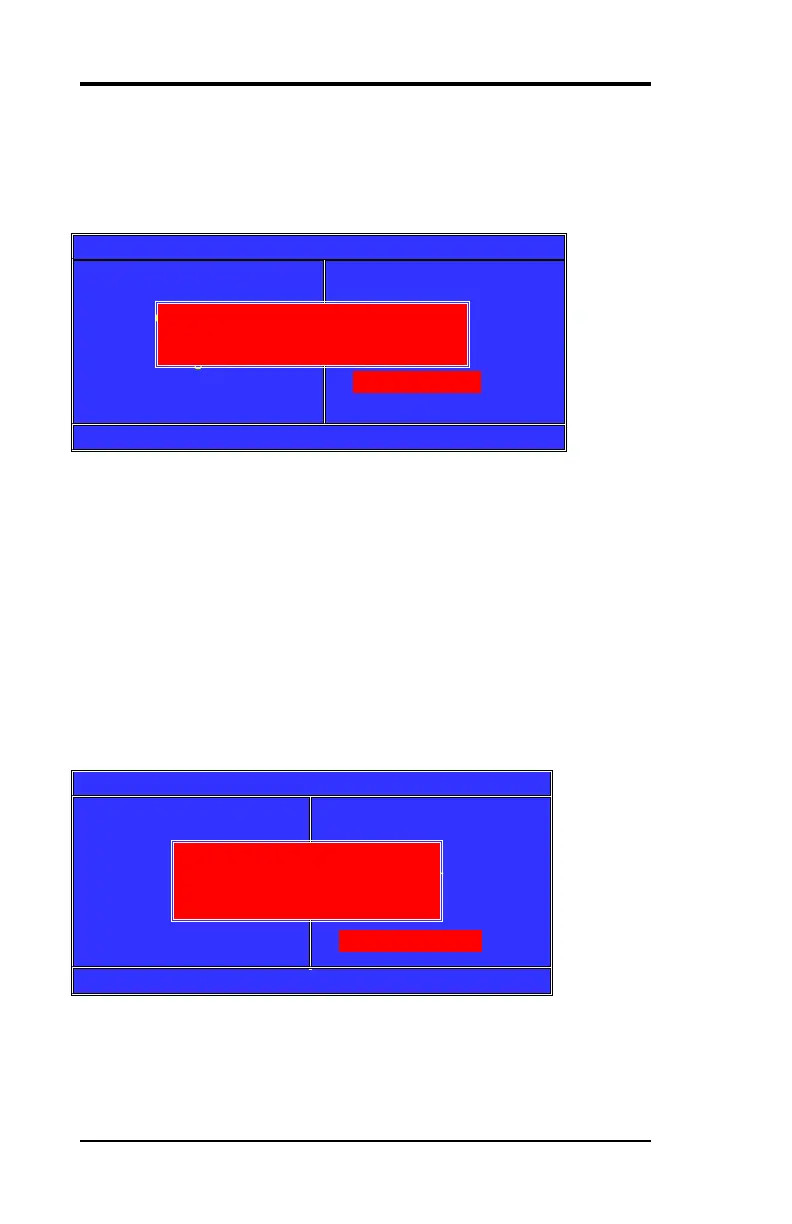
Pressing <Enter> on this item asks for confirmation:
Phoenix-Award BIOS CMOS Setup Utility
►Stand CMOS Features
►Advanced BIOS Features
►Advance Chipset Features
►Integrated Peripherals
►Power Management
►PnP/PCI Configuration
►PC Health Status
►Frequency/Voltage Control
Load Fail-Safe Default
Load Optimized Default
Set Supervisor Password
Set User Password
Save & Exit Setup
Exit Without Saving
Esc :Quit ↑↓← → :Select Item F10:Save & Exit Setup
Pressing “Y” stores the selections made in the menus in CMOS – a
special section of memory that stays on after you turn your system
off. The next time you boot your computer, the BIOS configures your
system according to the Setup selections stored in CMOS. After
saving the values the system is restarted again.
3.14 Exit Without Saving
Pressing <Enter> on this item asks for confirmation:
Phoenix-Award BIOS CMOS Setup Utility
►Stand CMOS Features
►Advanced BIOS Features
►Advance Chipset Features
►Integrated Peripherals
►Power Management
►PnP/PCI Configuration
►PC Health Status
►Frequency/Voltage Control
Load Fail-Safe Default
Load Optimized Default
Set Supervisor Password
Set User Password
Save & Exit Setup
Exit Without Saving
Esc :Quit ↑↓← → :Select Item F10:Save & Exit Setup
This allows you to exit Setup without storing in CMOS any change.
The previous selections remain in effect. This exits the Setup utility
and restarts your computer.
SAVE to CMOS and EXIT (Y/N)? Y
Quit Without Saving (Y/N)? N



 To Next Page