The Harmonizer
®
Programmer’s Manual
© 1999-2008 Eventide, Inc. Page 23 of 97 Release 1.3
Context Dependent Menus
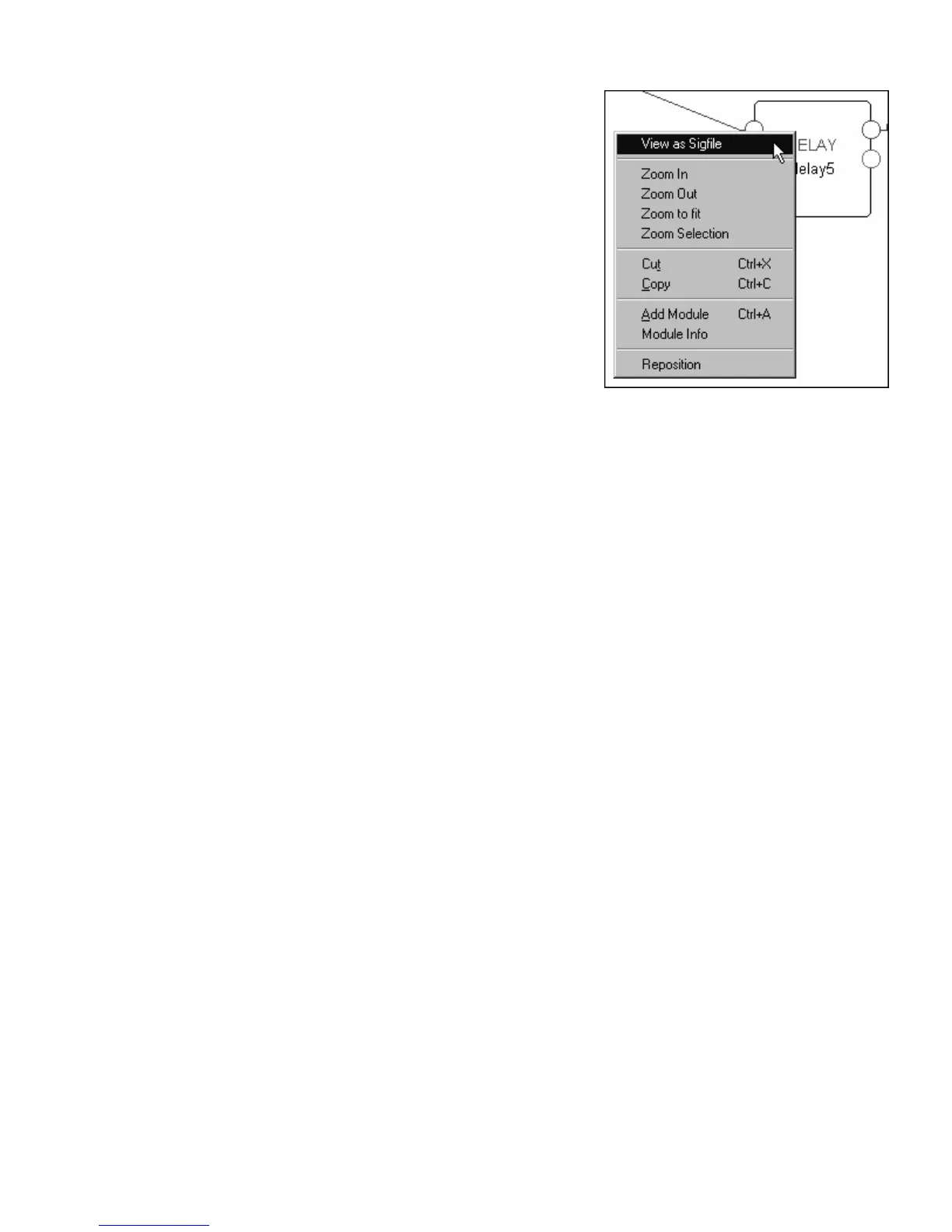
By right clicking the mouse, a “context dependent menu” will
appear as shown to the right. The available commands will
depend on what’s going on in the “vicinity” of the right click.
Once you get more familiar with Vsigfile, using context
dependent menus will save you time.
Shortcut Keys
There are several “shortcut” keys that perform menu commands. They are listed next to their command
in the various menus. For example, the Cut command can be accomplished by holding down the “Ctrl”
key and the “x” key simultaneously. Once you get proficient with Vsigfile, these shortcut keys will save
you time (and you know what they say about time. . .).



 To Next Page