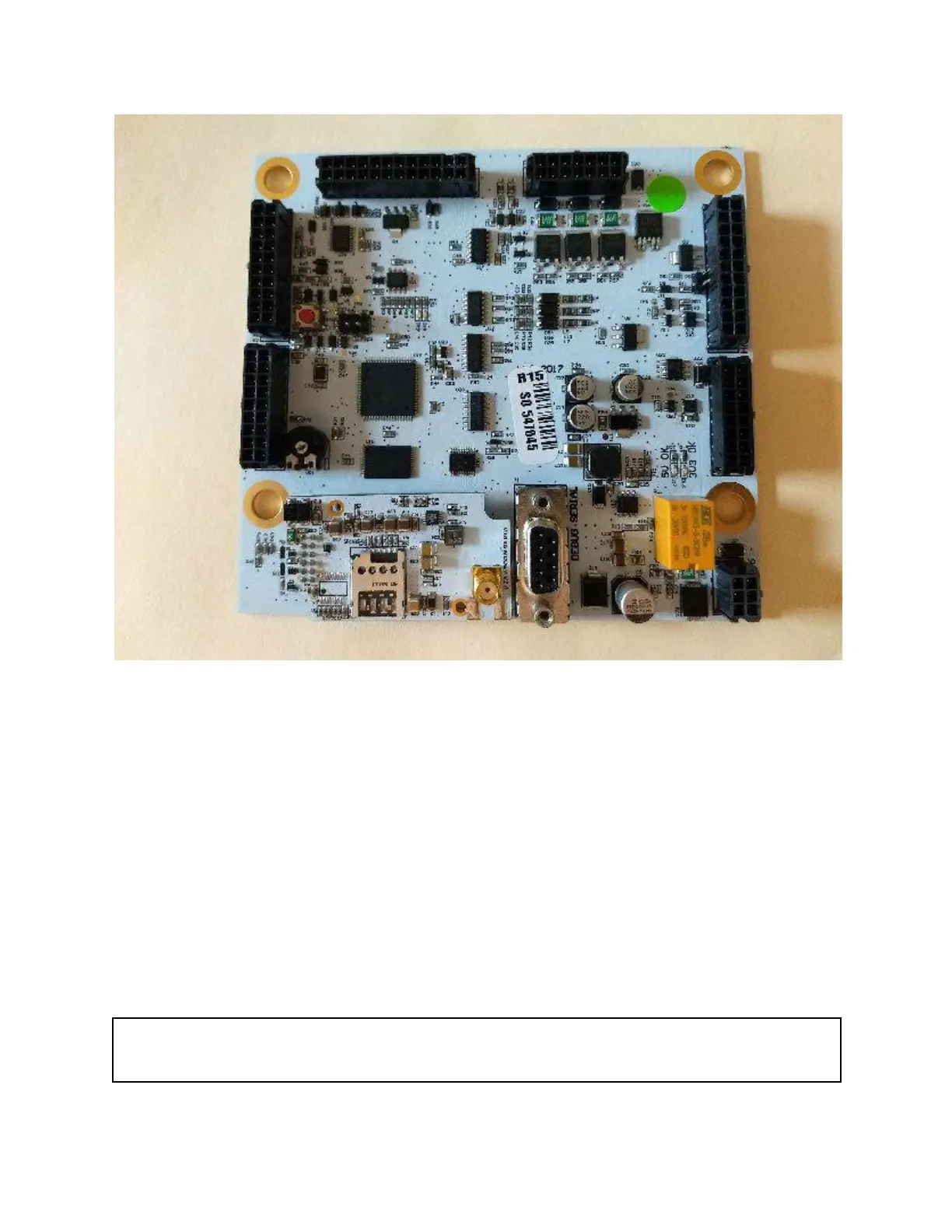
Image 3: Printed Circuit Board (PCB)
Update Firmware and Configuration (Automatic) - Once the machine establishes its GSM
connection, it will begin automatically updating to the latest version of firmware, downloading all
settings and variables from Akoona.net, and establishing a long-term connection to the server
for ongoing machine operation. You may see the main LCD screen cycle through a few
message screens about “Updating Firmware” or “Loading Configuration.” It is very important not
to interrupt the machine during this time.
Do not press any buttons, do any actions, interrupt power, make or break any connections, or
do anything while the machine is updating and loading. If you do, it is likely to cause major
problems that will require technical support help and probably the physical shipment of a new
PCB or parts to resolve. This process could take as long as 15 minutes
Warning: Stop here and read the above section if you did not already. It is critical that you do
not proceed with the next step until this step finishes!


 To Next Page