ECOR960 4F2 / 8F2 / 16F2
7. Remote Access to the DVR
7.1 Accessing the DVR on the Network
Follow the steps below to access the DVR from a computer.
1. Open an Internet Explorer window and in the address bar type the IP address.
Local connection:
http:// (IP address from the DVR’s Network Menu): IP port used
e.g. http://192.168.1.163:2468
Internet connection:
http:// (IP address given by your Internet Service Provider): IP port used
e.g. http://57.182.67.204:2468
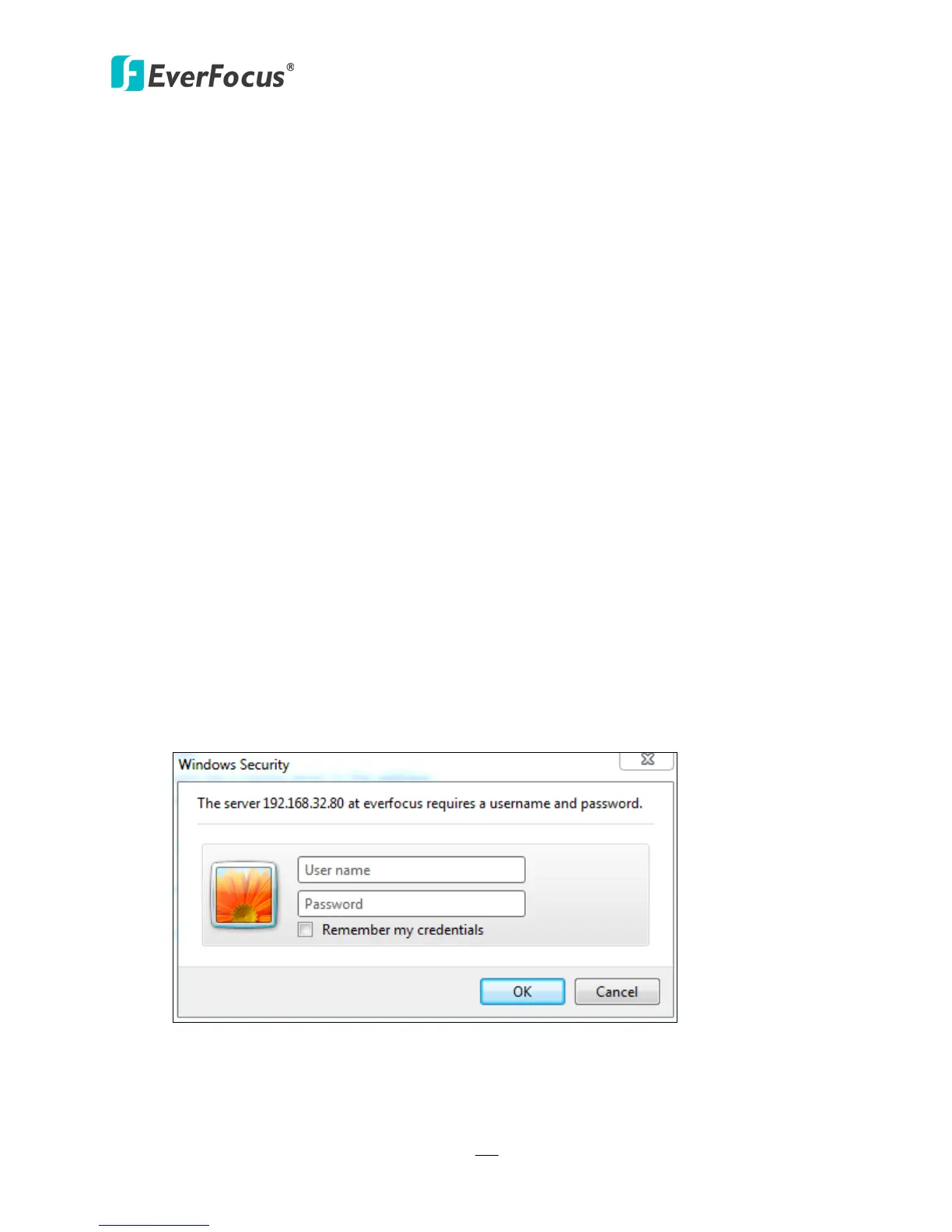
2. The Login window pops up. Type the User Name and Password. The default User Name is
admin, while the password is 11111111. Click OK.
Figure 7-1
3. Click OK to log in to the Web Interface of the DVR.
Chapter














 To Next Page