ECOR960 4F2 / 8F2 / 16F2
7.6 Remote Playback
To playback the recordings remotely, click the Search button on the Menu Bar. Click Time Search,
Event Search or Smart Search and then set up the settings. For more details about Search
setting, please refer to 5.3 Searching the Recordings for Playing Back.
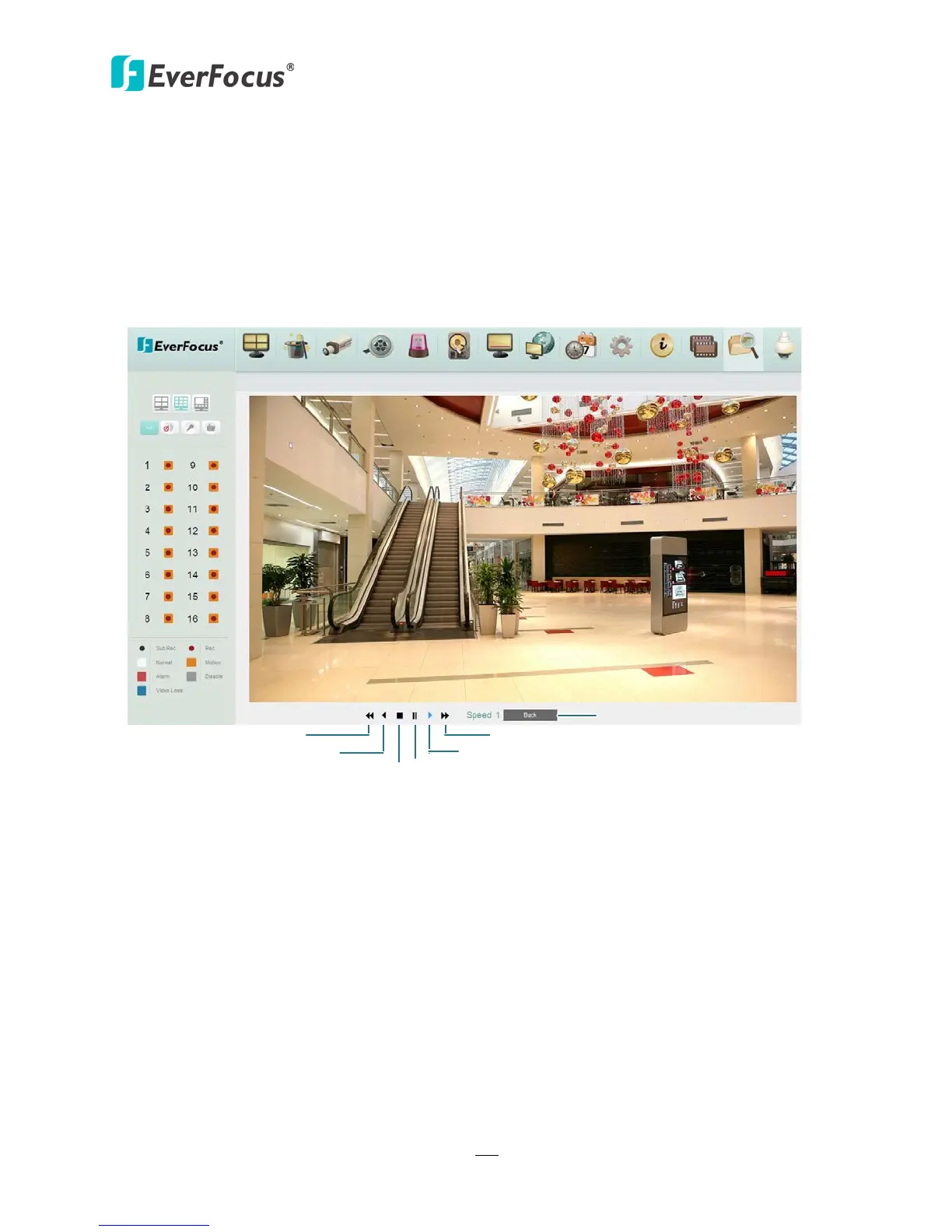
Double-click on a recording, the following Remote Playback Window appears.
Fast Rewind
Reverse
Stop
Pause
Play
Fast Forward
Return to the Search page
Figure 7-19














 To Next Page