ECOR960 4F2 / 8F2 / 16F2
4. OSD Root Menu
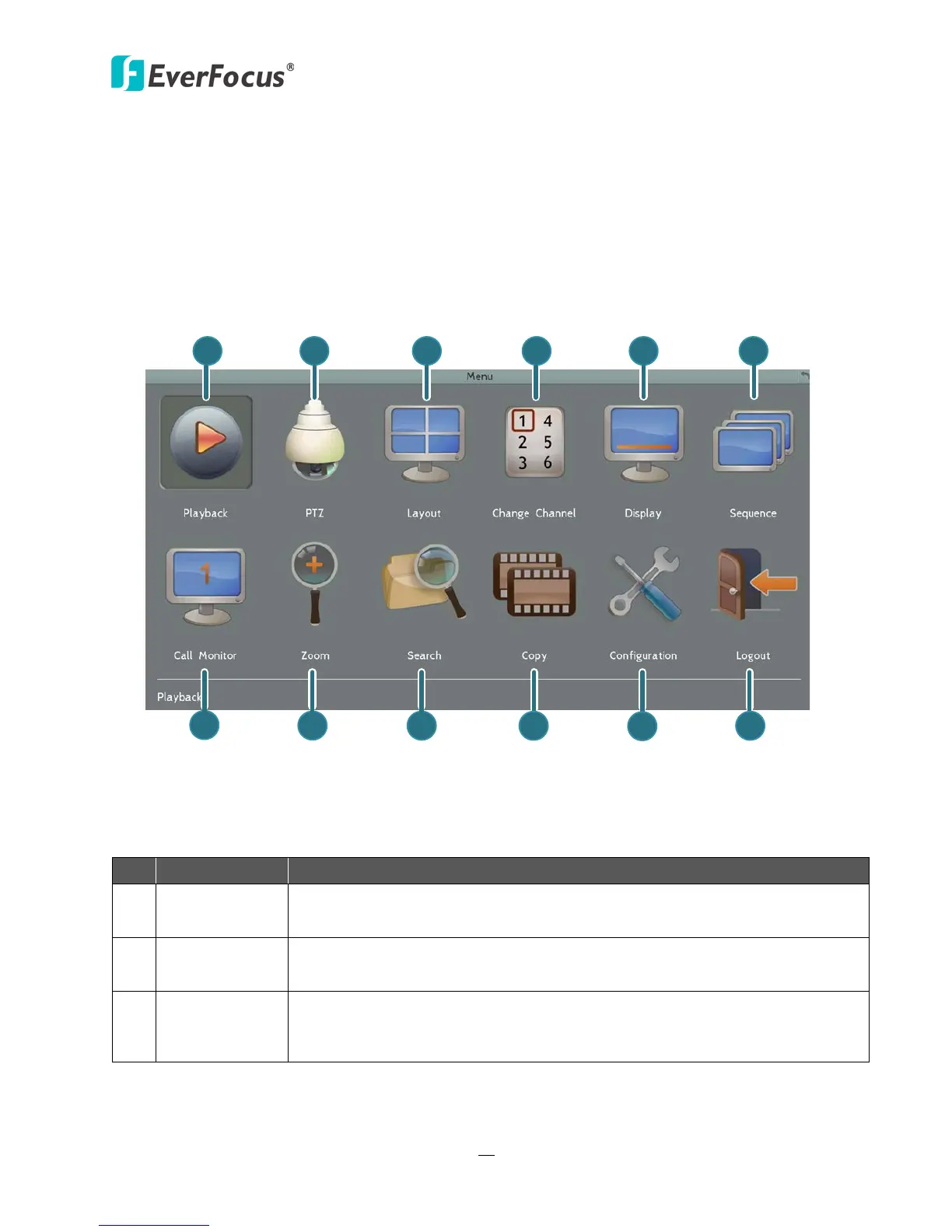
Figure 4-1
Name Description
1 Playback
Click to display the Playback Bar for viewing the recording videos. For
details, please refer to 5. Search and Playback.
2 PTZ
Click to display the PTZ Control Panel for controlling the connected PTZ
cameras. For details, please refer to 4.1 PTZ.
3 Layout
Click to display the Layout Bar as shown below. Select a layout type for
the live view display on the Main Monitor. For details, please refer to 4.2
Layout Switching.














 To Next Page