ECOR960 4F2 / 8F2 / 16F2
6.2.2 Adjust Setting
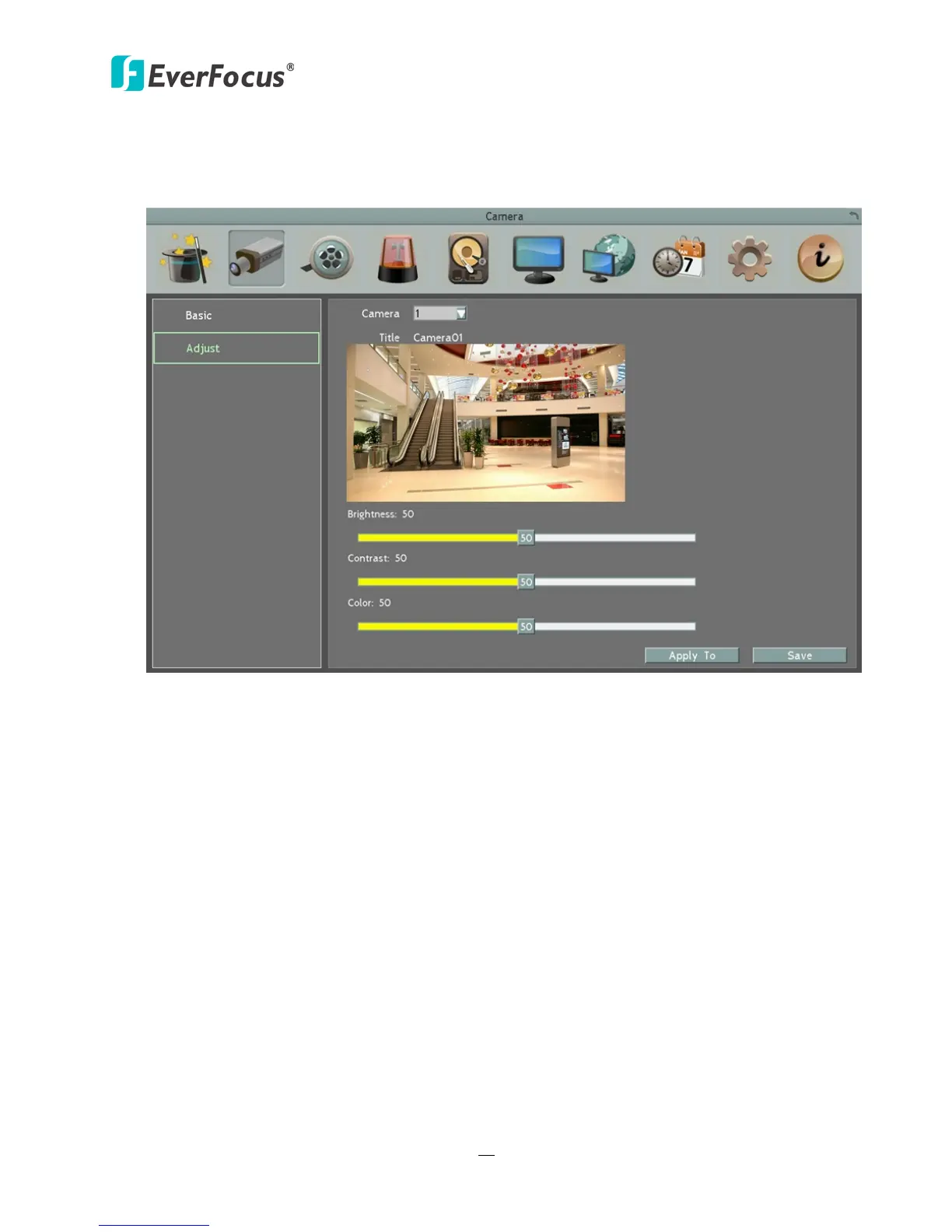
You can adjust the Brightness, Contrast and Color of the selected camera.
Figure 6-6
Camera: Select a camera to adjust the following settings.
Brightness: Move the bar to adjust the brightness.
Contrast: Move the bar to adjust the contrast.
Color: Move the bar to adjust the color.
Apply To: Click the button to apply the same settings to the desired cameras.














 To Next Page