ECOR960 4F2 / 8F2 / 16F2
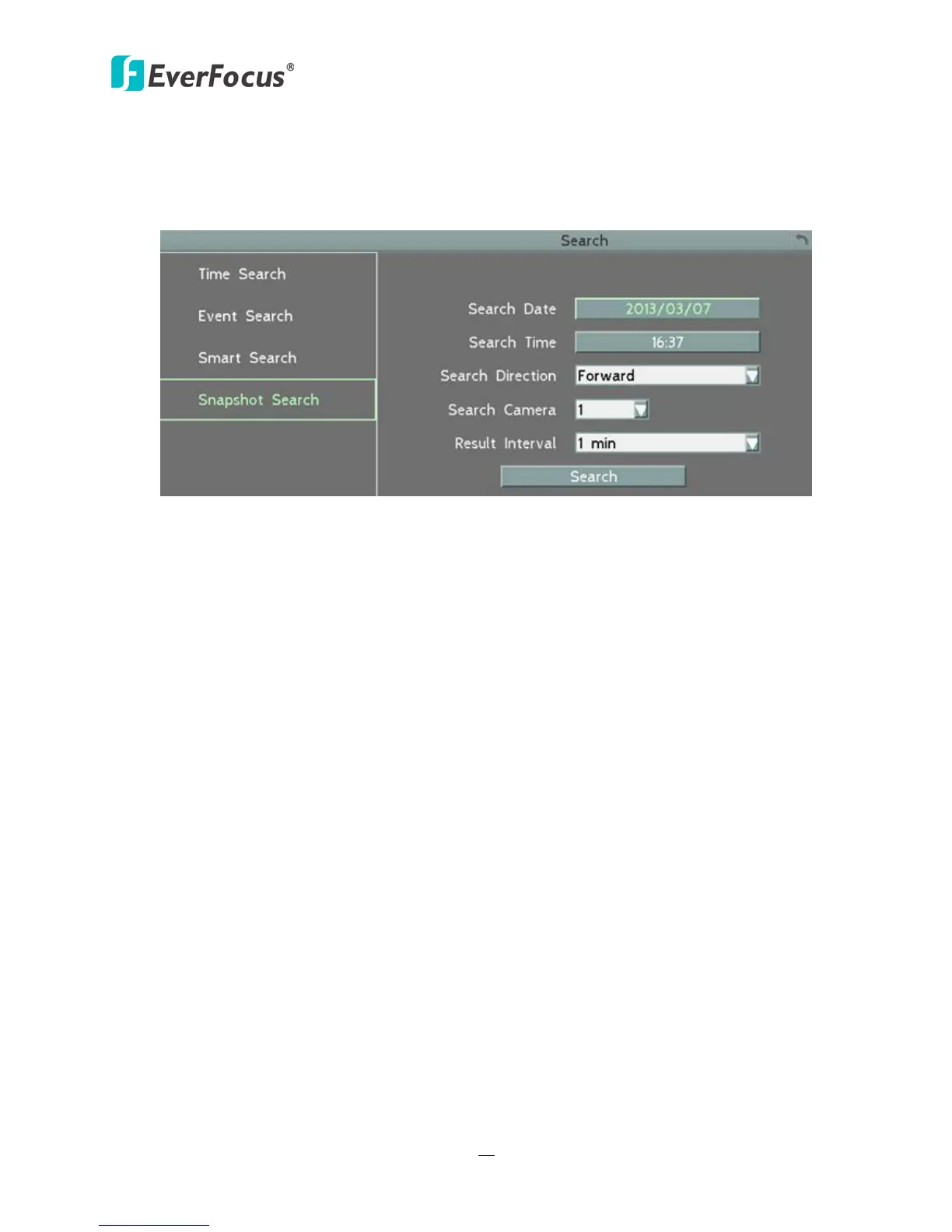
5.3.4 Snapshot Search
You can display video frames in snapshot and resume a video from where the snapshot has
been set up.
Figure 5-9
Search Date: Click to bring up the on-screen keyboard to select the date.
Search Time: Click to bring up the on-screen clock to select time.
Search Direction: Click to search forward / backward based on the setup time above.
Search Camera: Select a desired camera to be searched.
Result Interval: Click to set up the interval for the snapshots of the video frame. For example,
if you select 5 minutes, the video frame will be snapshotted with 5-minute interval (see image
below).
Search: Click to start searching. The search results will be displayed in 16 screen division (see
image below).














 To Next Page