ECOR960 4F2 / 8F2 / 16F2
To resume the video:
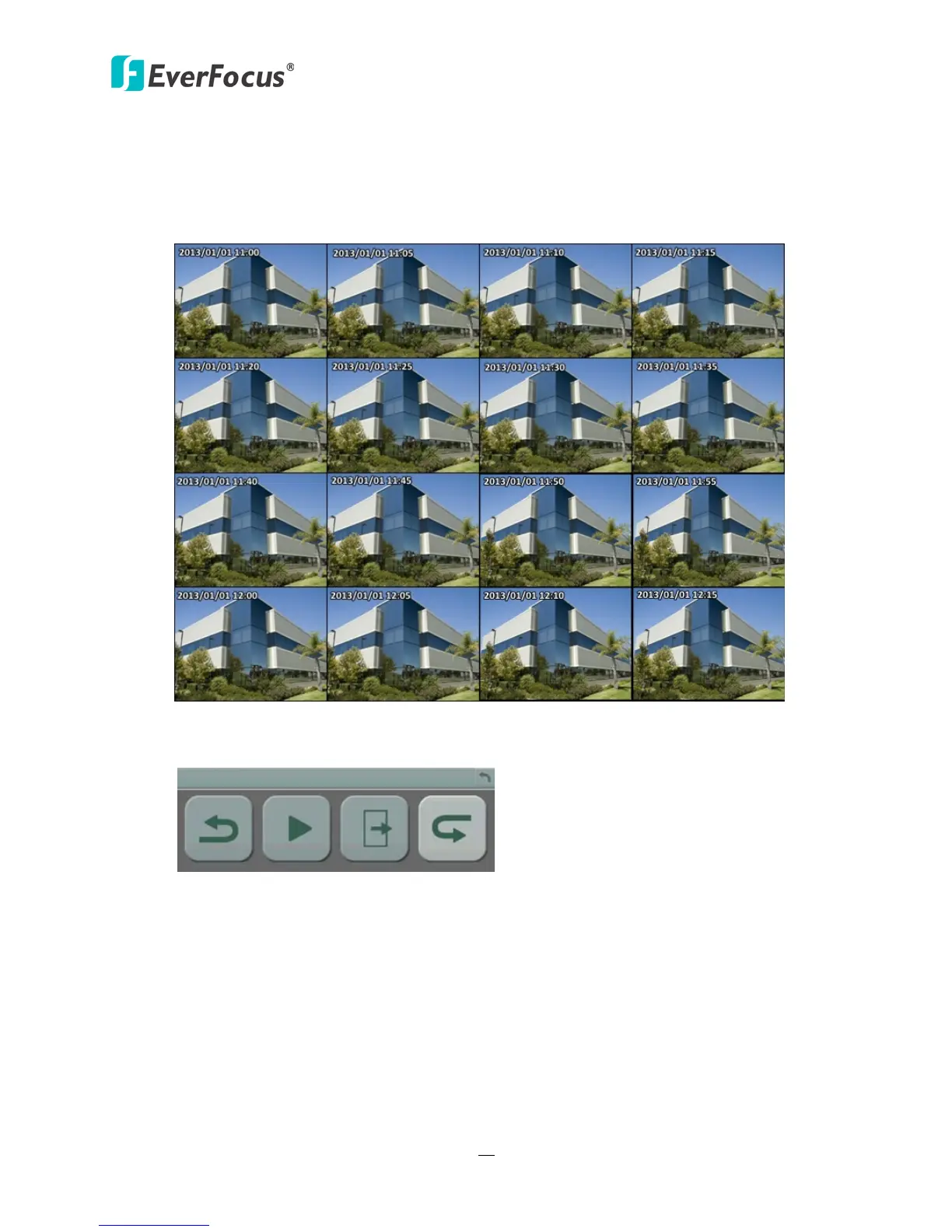
1. Click the Search button, the search results are displayed in 16 screen division. In this
picture, you can see the time layouts on the upper-left corner of each snapshot, which are
set up with 5-minute interval.
Figure 5-10
2. Right-click on the screen, the Resume Playback Bar appears in the middle of the screen.
Figure 5-11
3. Click the Previous or Next buttons to display the previous / next snapshots.
4. Select a snapshot by clicking on the snapshot, the selected snapshot will be highlighted
with a white frame.
5. Click the Play button to resume the video.
6. Click the Close button to close the Resume Playback Bar and then return to the Snapshot
Search menu.














 To Next Page