ECOR960 4F2 / 8F2 / 16F2
6. Configuration
The ECOR960 4F2 / 8F2 / 16F2 can be configured through a series of menus on screen by using a
Mouse, front panel buttons, the supplied IR Remote Control, or the optional device EKB500
keyboard. The following operations are examples of using a Mouse. This chapter describes the
functions and options of the Configuration Setting in the on-screen display (OSD) menus.
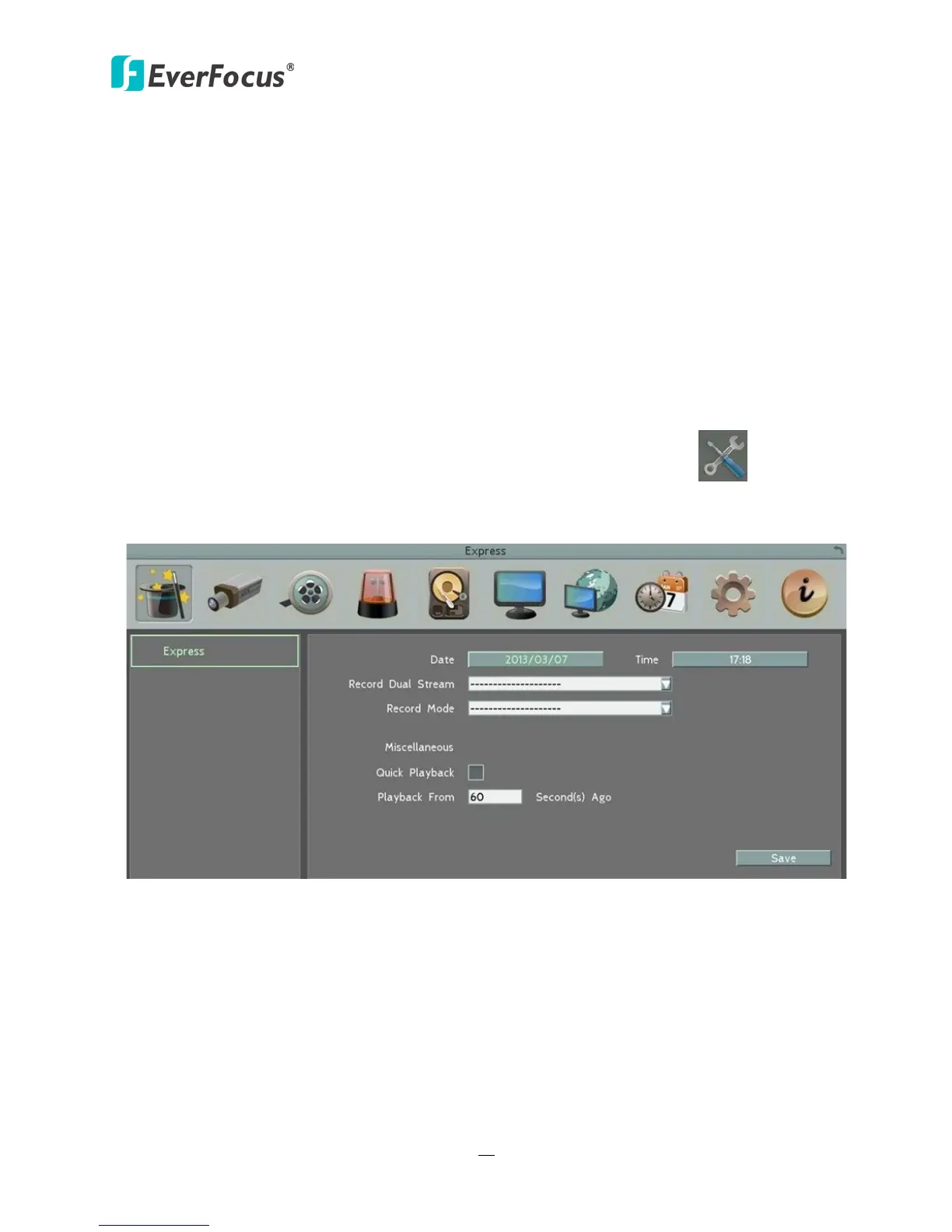
Right-click the mouse, the OSD Root Menu appears. Click the System button , the following
Configuration Menu displayed with 10 setup options appears.
Figure 6-1
Chapter














 To Next Page