ECOR960 4F2 / 8F2 / 16F2
3.3 General Operation
3.3.1 Login
In order to access ECOR960 4F2 / 8F2 again after logging out, you may be prompted to log in
for authority identification. To log in, follow the steps below.
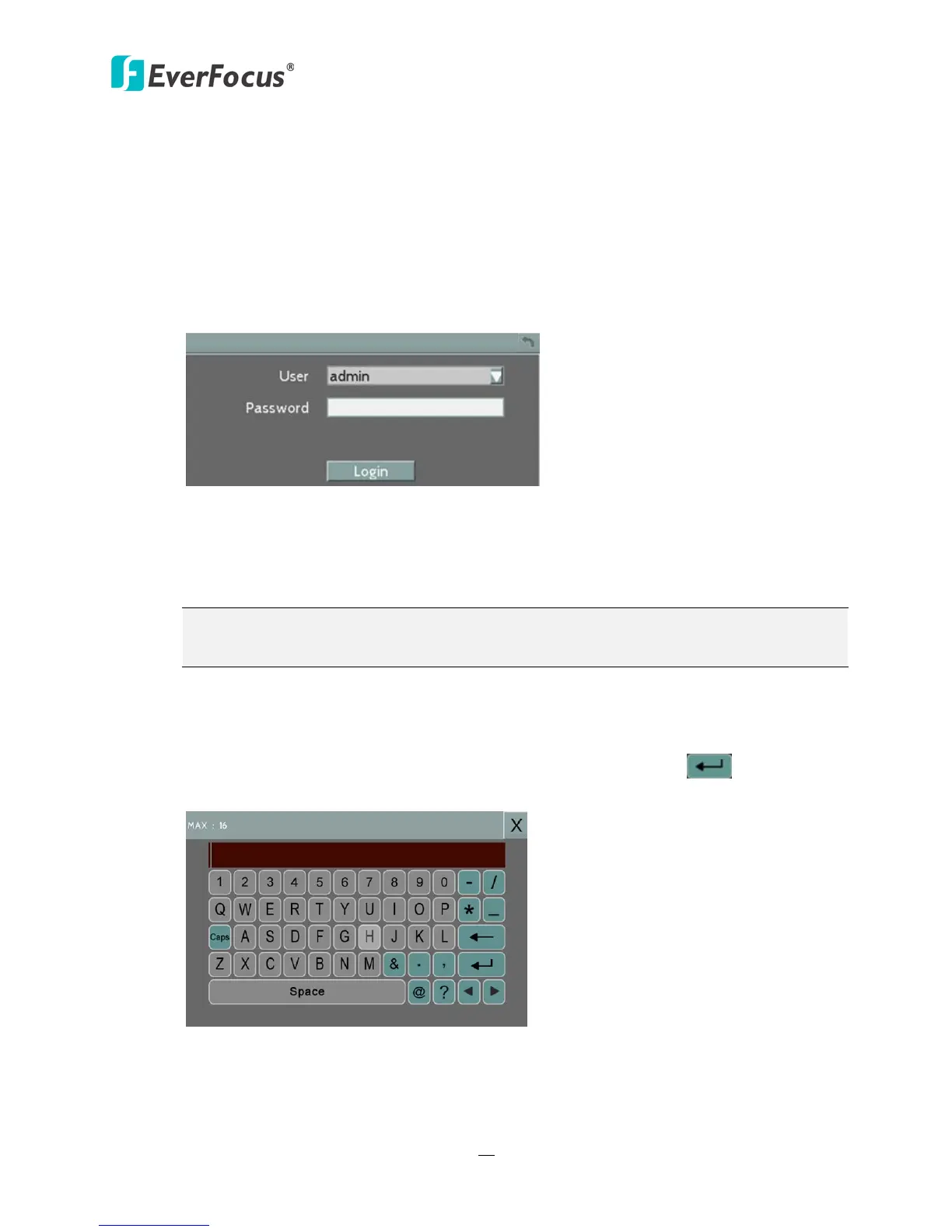
1. Right-click on the screen, the Login window appears.
Figure 3-3
2. The default user name and password are:
User: admin
Password: 11111111
Note: For details on setting up multiple user accounts, please refer to 6.9.4 User
Management.
To input the User Name and Password by:
Using a mouse: Select a user name from the drop-down list. Click the Password field to
bring up the on-screen keyboard. Click the buttons and then click
to confirm the
User Name / Password.
Figure 3-4














 To Next Page