ECOR960 4F2 / 8F2 / 16F2
5.3 Searching the Recordings for Playing Back
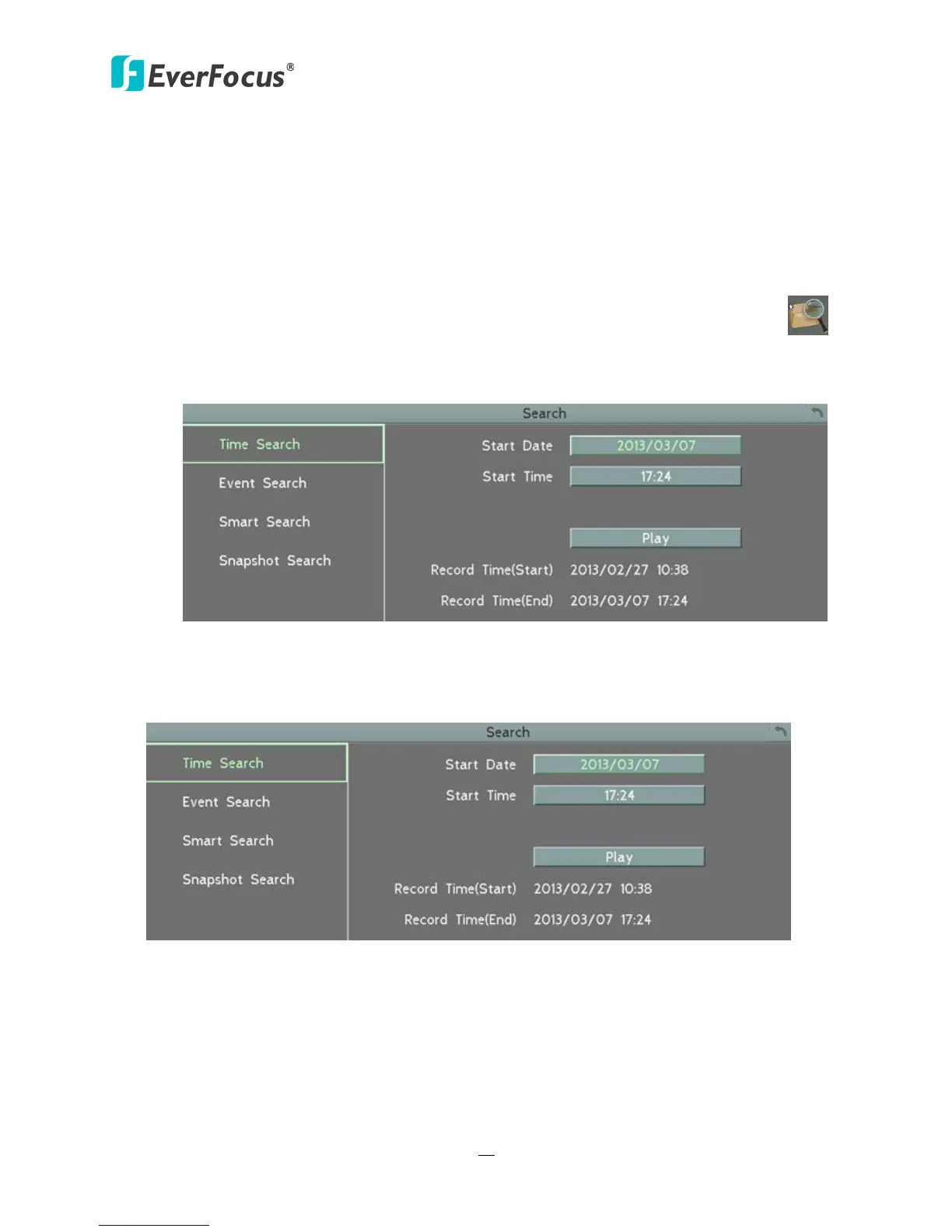
You can search the recordings for playing back by using the Search menu. On the left side of the
Search menu, select Time Search, Event Search, Smart Search, or Snapshot Search to enter to
the setup menu.
To bring up the Search menu:
By Mouse: Right-click to bring up the OSD Root Menu, and then click the Search button .
By Front Panel: Press the Search button (ECOR960 4F2).
Figure 5-3
5.3.1 Time Search
Figure 5-4
Start Date: Click to bring up the on-screen keyboard to select the date.
Start Time: Click to bring up the on-screen clock to select the time.
Play: Click to start playing back.














 To Next Page