ECOR960 4F2 / 8F2 / 16F2
2. Installation
2.1 Hard Disk installation
ECOR960 4F2/8F2:
You can optionally install two 3.5” HDDs inside the ECOR960 8F2 DVR or one 3.5” HDD inside the
ECOR960 4F2 DVR for recording videos. (The HDD installation instruction uses ECOR960 8F2 DVR
as an example).
1. Make sure the DVR is power-off.
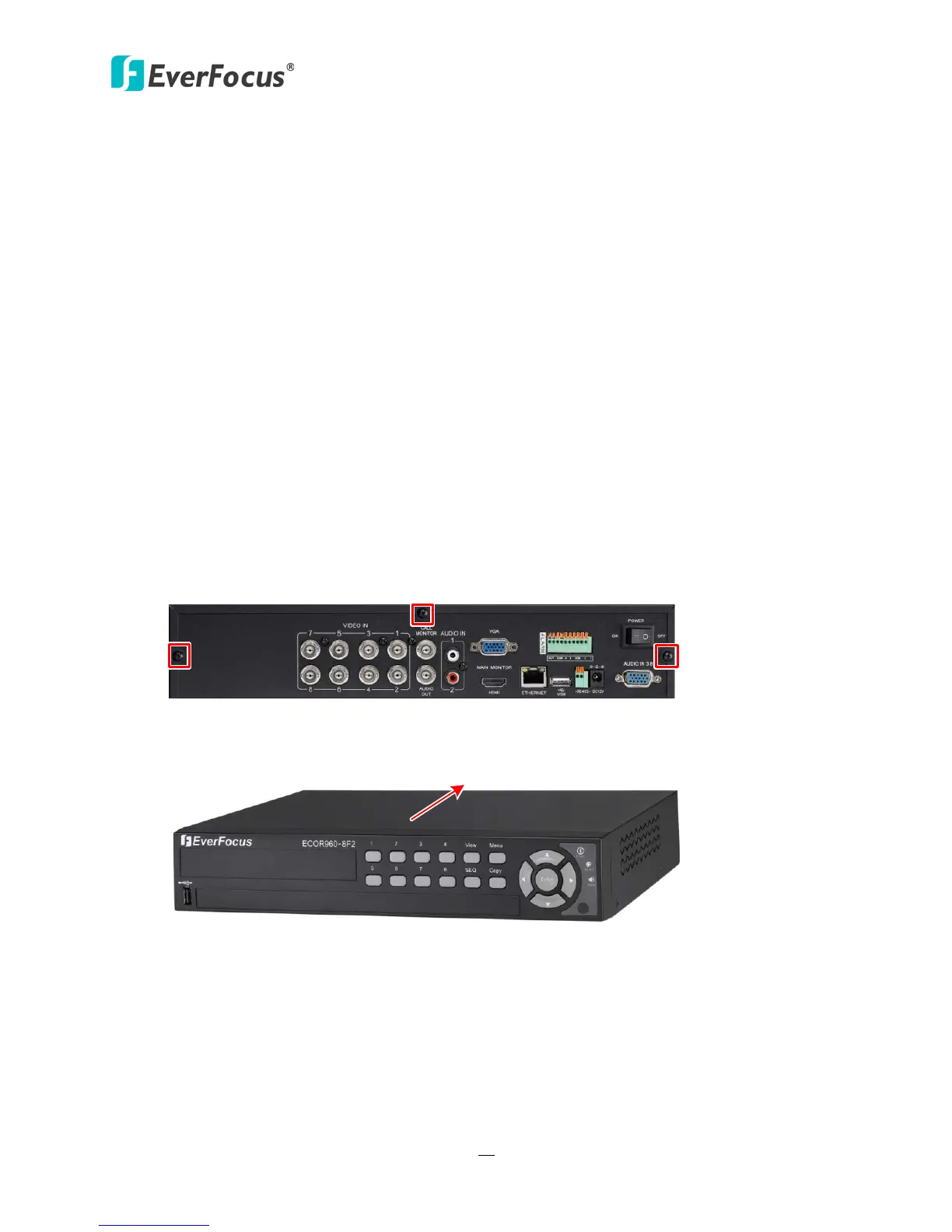
2. Unscrew the three housing screws on the back panel of the DVR.
Figure 2-1
3. Push the housing to the back and open it.
Figure 2-2














 To Next Page