ECOR960 4F2 / 8F2 / 16F2
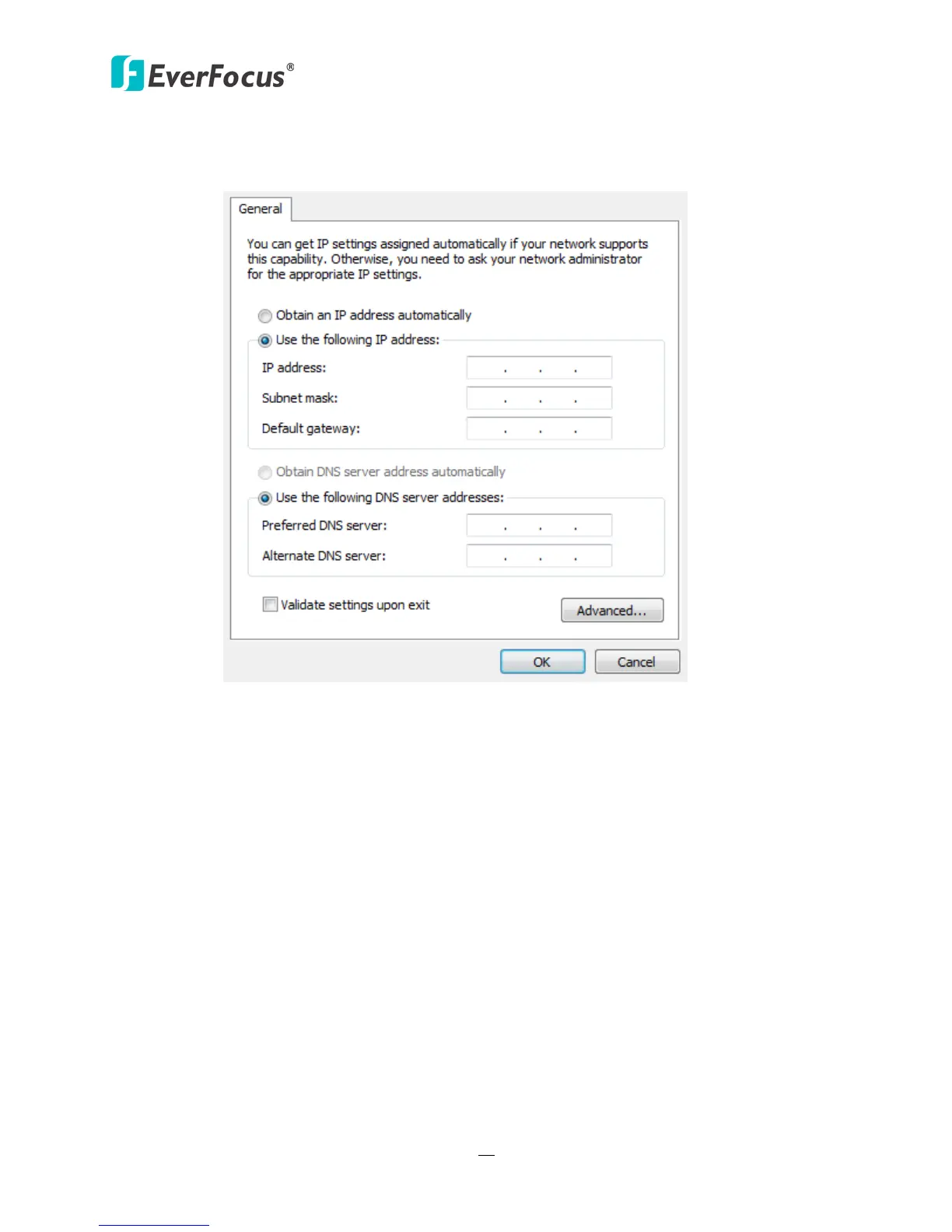
Select Use the following IP address. Assign an IP address of 192.168.1.2, a Subnet
Mask of 255.255.255.0, and a Default Gateway of 192.168.1.1 and then click OK.
Figure 2-30
Restart both of the computer and the DVR.
To access the DVR from the computer, simply open Internet Explorer and in the
address bar type: http://192.168.1.3














 To Next Page