ECOR960 4F2 / 8F2 / 16F2
To Edit the Motion Grids:
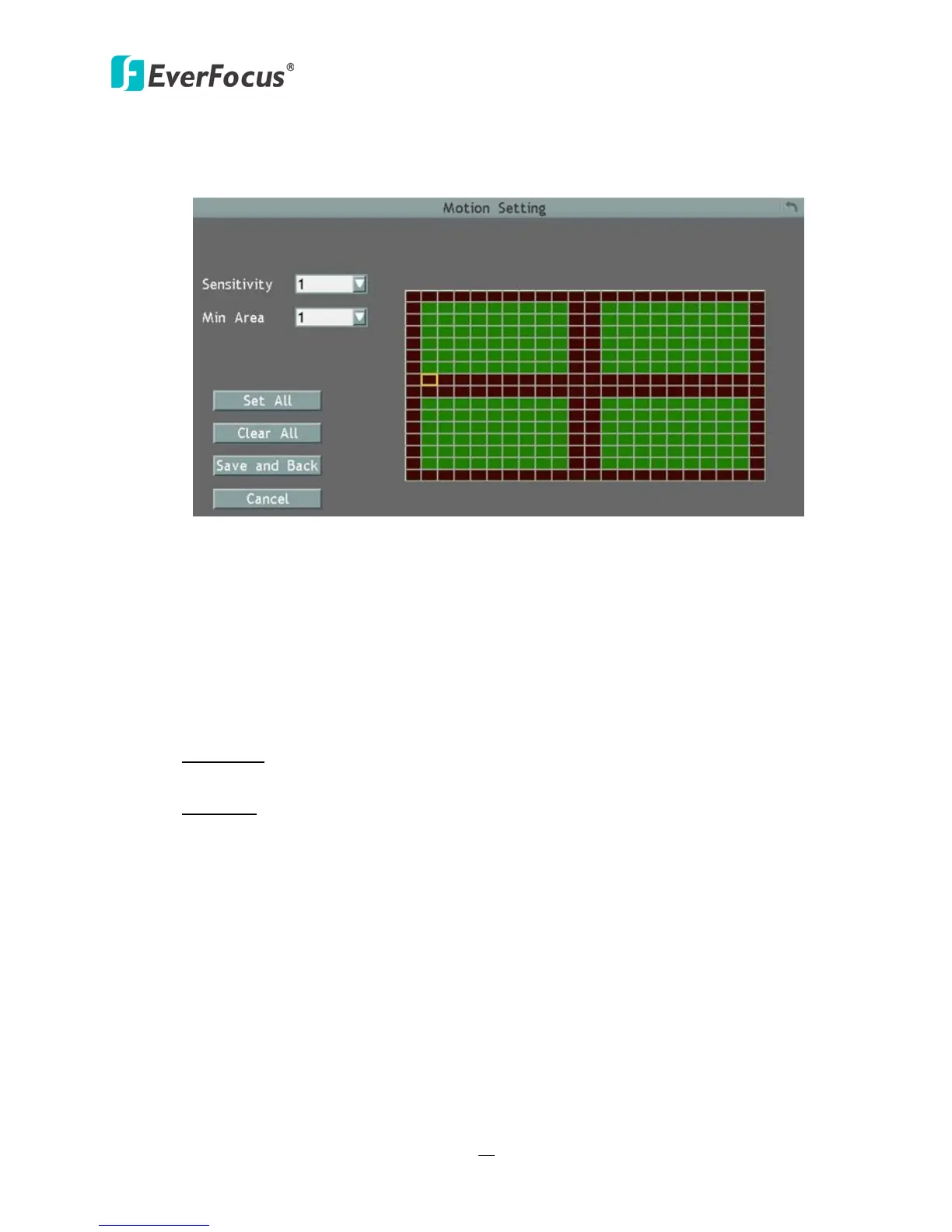
1. Click the Edit Motion Grid button, the Motion Setting menu appears.
Figure 6-11
2. Click on the image and the grid will be displayed.
3. To set up a motion area, drag a rectangle with your mouse (from top to bottom / upper-
left to lower-right). The selected areas will be highlighted in green (see image below).
4. To delete a motion area, drag a rectangle with your mouse (from bottom to top /
lower-right to upper-left).
5. Follow Step 3 to set up multiple motion areas if necessary.
6. Sets up the Sensitivity, Min Area and Motion Delay for the motion grids.
Sensitivity: Sets up the motion sensitivity for the grids. The larger the number, the higher
the sensitivity.
Min Area: This function is designed to prevent false detections caused by small objects. If
you select 2, only the object size larger than 4-grid size can be detected.
7. Click the Save & Back button to save the settings and then return to the Motion menu.














 To Next Page