ECOR960 4F2 / 8F2 / 16F2
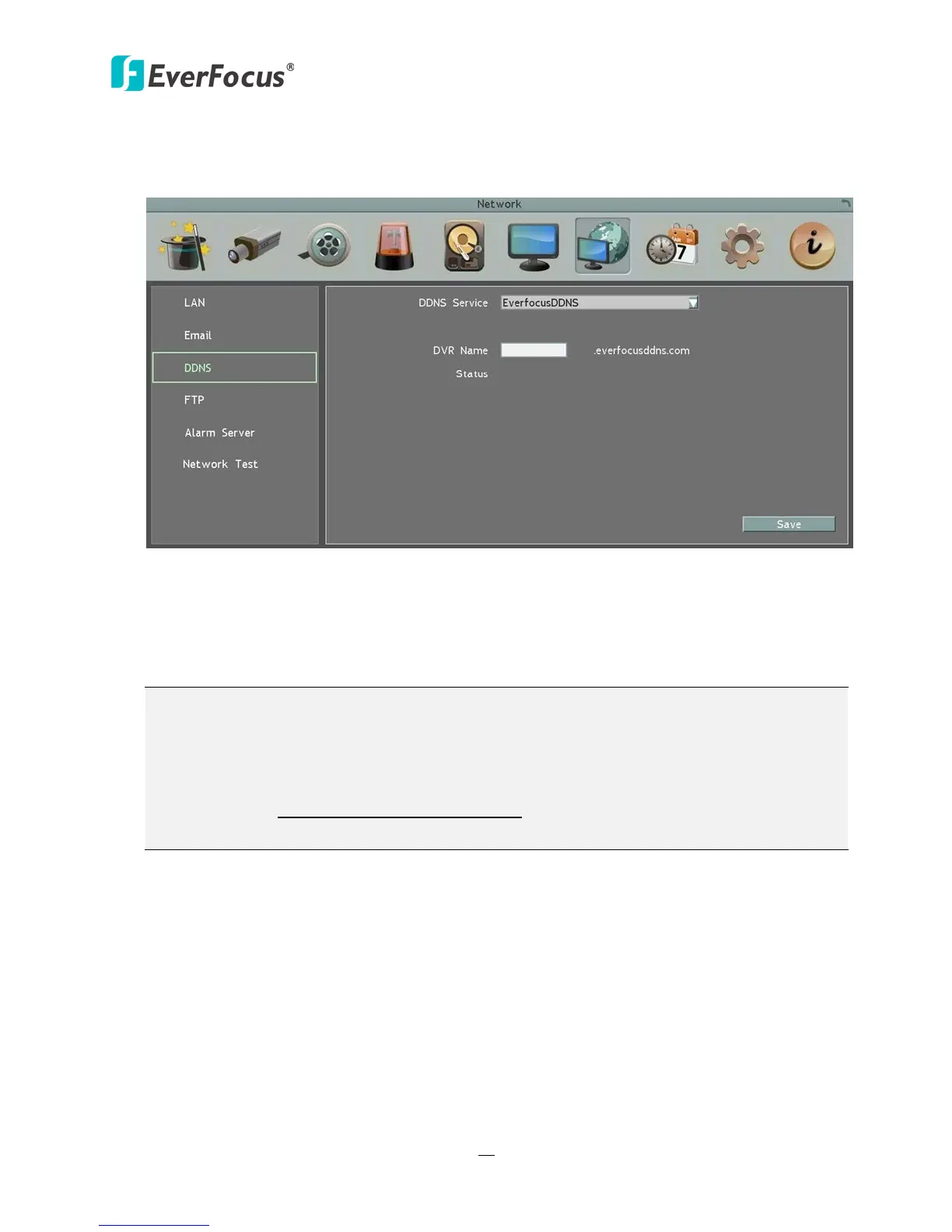
6.7.3.1 EverFocus DDNS
Note that the DNS Server 1 (6.7.1 LAN) should be set up correctly or the DDNS will not work.
Figure 6-25
DDNS Service: Select EverfocusDDNS from the drop-down list.
DVR Name: Input the desired name for the DVR. Note that the name of the DVR cannot
include a space, or a dot (period) or any special characters particularly ~ ! @ # $ % ^ & * ( ) + <
> " ; : . ,
Note:
1. It is not necessary to append the HTTP port number to the DDNS name. The EverFocus
DDNS server not only keeps track of your DVR’s IP address, but also keeps track of the
ports.
2. You can go to http://www.everfocusddns.com to check the DDNS name can be
registered or not.














 To Next Page