102
102102
102
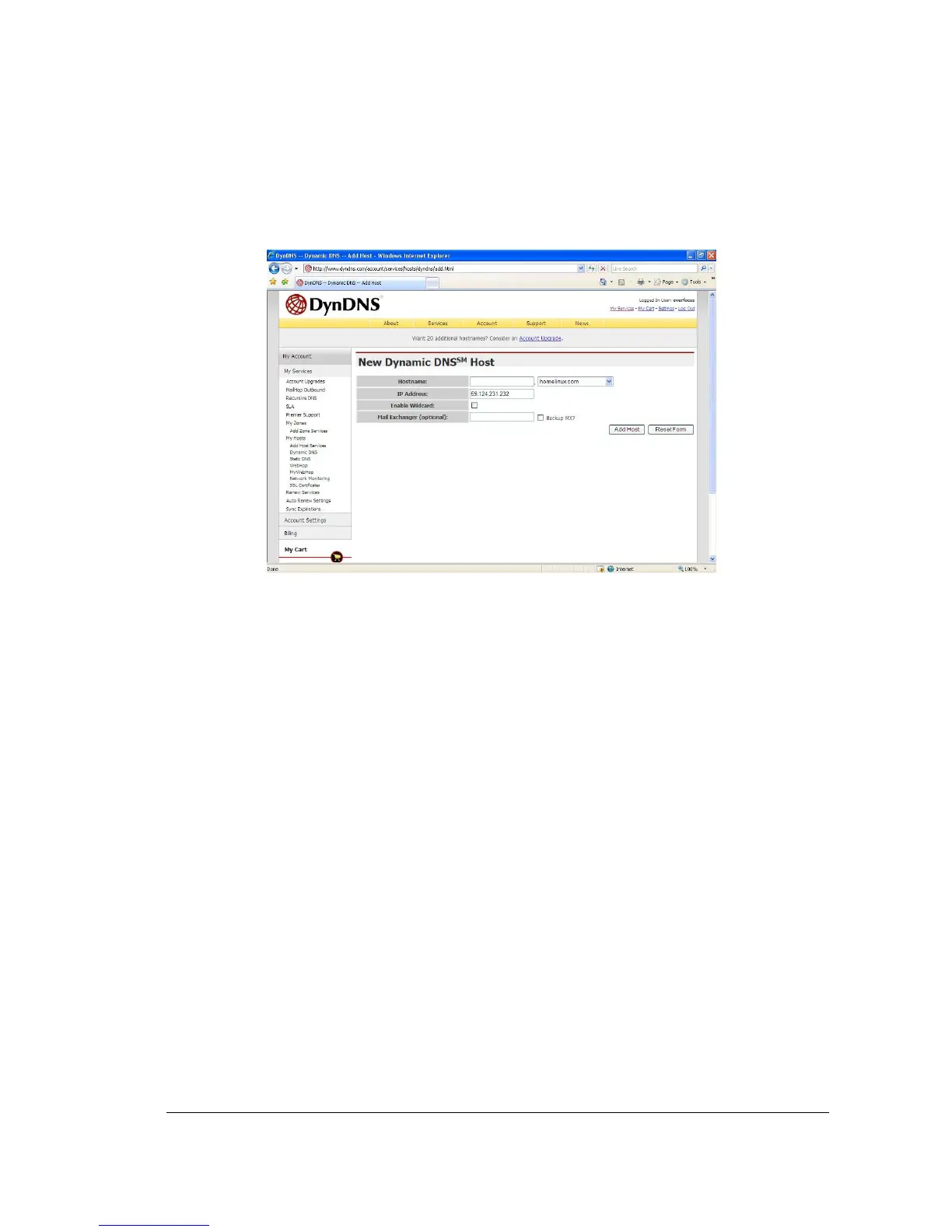
5. The next step is to create a host name with an extension.
Example: company.homeip.net
6. The IP address should already be entered for you. All you have to do is click add host
and you are done registering DDNS.
7. You may refer to the previous two chapters to set up DDNS within your router.
8. To access the DVR from a computer simply open Internet Explorer and in the
address bar type:
http:// The hostname you created (example: company.homeip.net)














 To Next Page