44
4444
44
EXAMPLE: A user applied for a DDNS account from http://www.dyndns.com
User name: TEST
Password: TEST
Domain name ethin.dyndns.org.
Users can connect to DVR that uses dynamic IP address by entering the domain name
“ethin.dyndns.org” in IE browser. They do not have to know the IP address.
NOTE: This domain name is only an example. The DDNS account that the user
applies will likely differ from this example. See Chapter 13 for more details
3
3
.
.
8
8
S
S
c
c
h
h
e
e
d
d
u
u
l
l
e
e
S
S
e
e
t
t
u
u
p
p
M
M
e
e
n
n
u
u
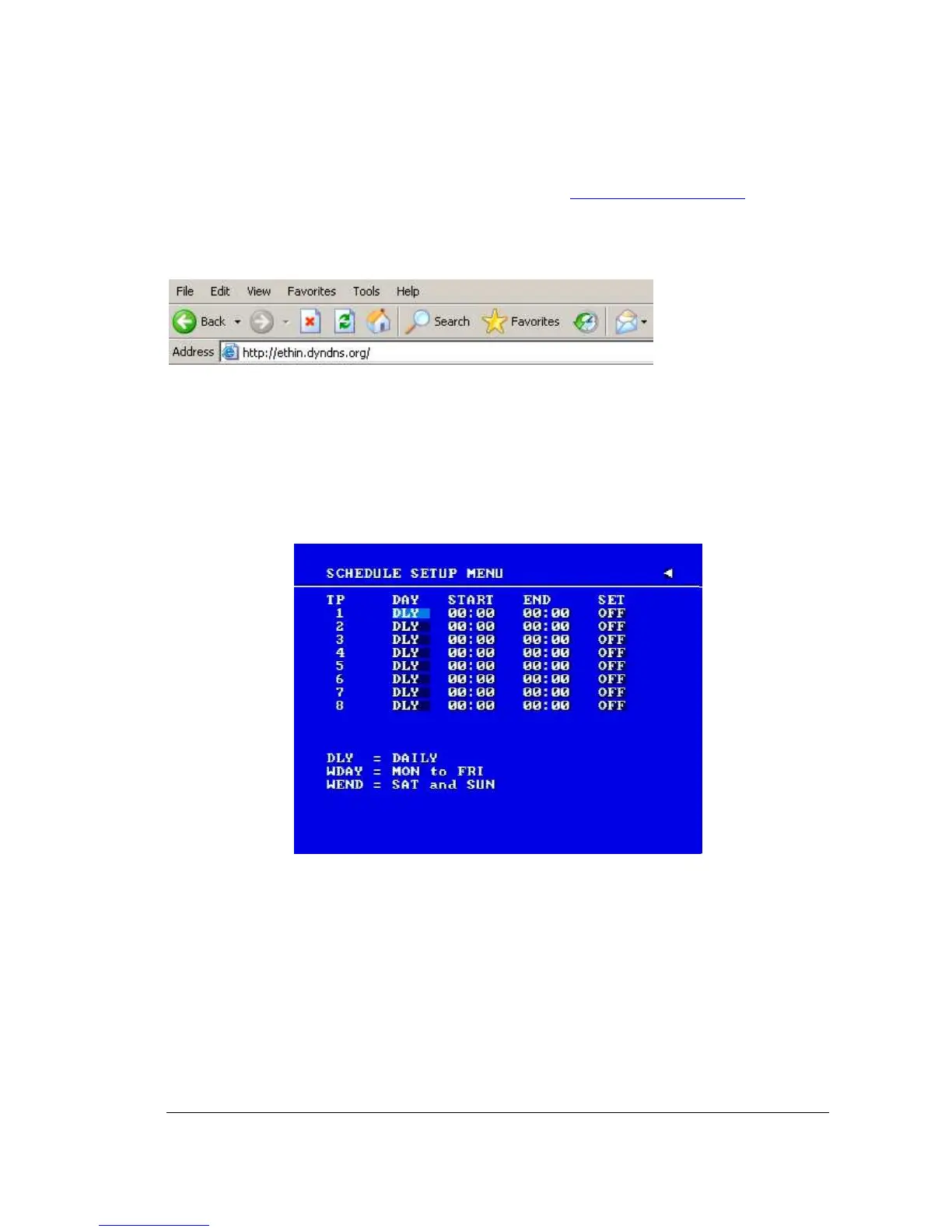
Diagram 3.16
Diagram 3.16 is a screen shot of the SCHEDULE SETUP MENU. In this menu you can set a
unique timer any day of the week to start recording from a specified start time to an end time.
This menu works together with the camera menu, you will notice 1~8 TP (time period), which
is also seen in the camera menu.
In the SCHEDULE SETUP MENU the following fields are defined as:














 To Next Page