108
108108
108
whereas those on the right-hand side are to increase the value.
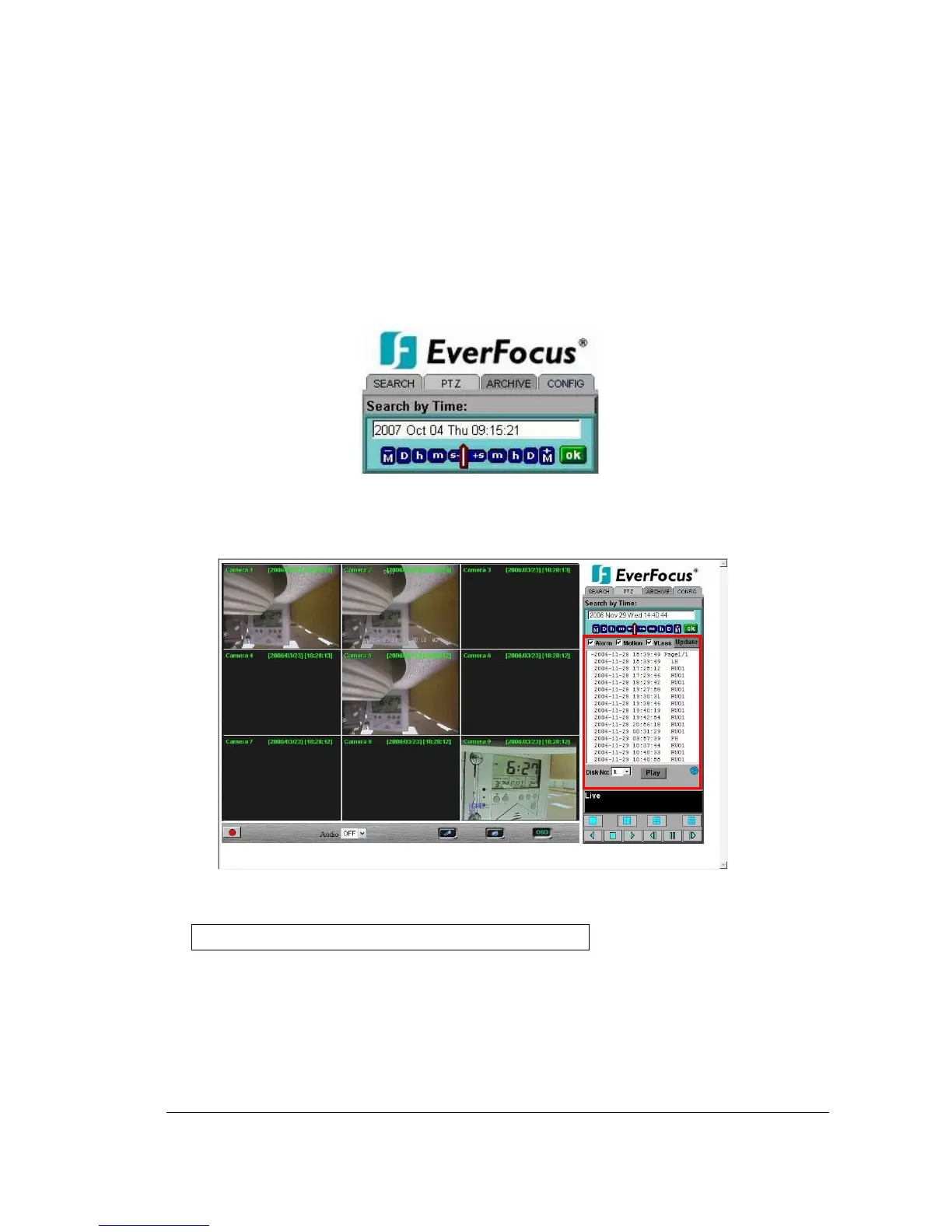
2. Move the slide bar between the buttons to change Month, Day, Hour, Minute, and
second to be searched. Move the slide bar to the left to decrease the value, or to the
right to increase the value.
3. Enter Month, Day, Hour, Minute, and second directly in display bar.
Press OK to start searching.
14.1.2 Search by EVENT
1. Select Event Type from Alarm, Motion and Vloss.
Note: Please keep at least one event type checked.
2. Select the Disk No. from which you would like to search events.
3. Press Update button to refresh the event list.
4. All events of the selected type will be displaying along with Date/Time, event type
(represented by a capital letter), camera number (represented by a number)














 To Next Page