65
6565
65
5
5
.
.
2
2
S
S
e
e
a
a
r
r
c
c
h
h
P
P
l
l
a
a
y
y
b
b
a
a
c
c
k
k
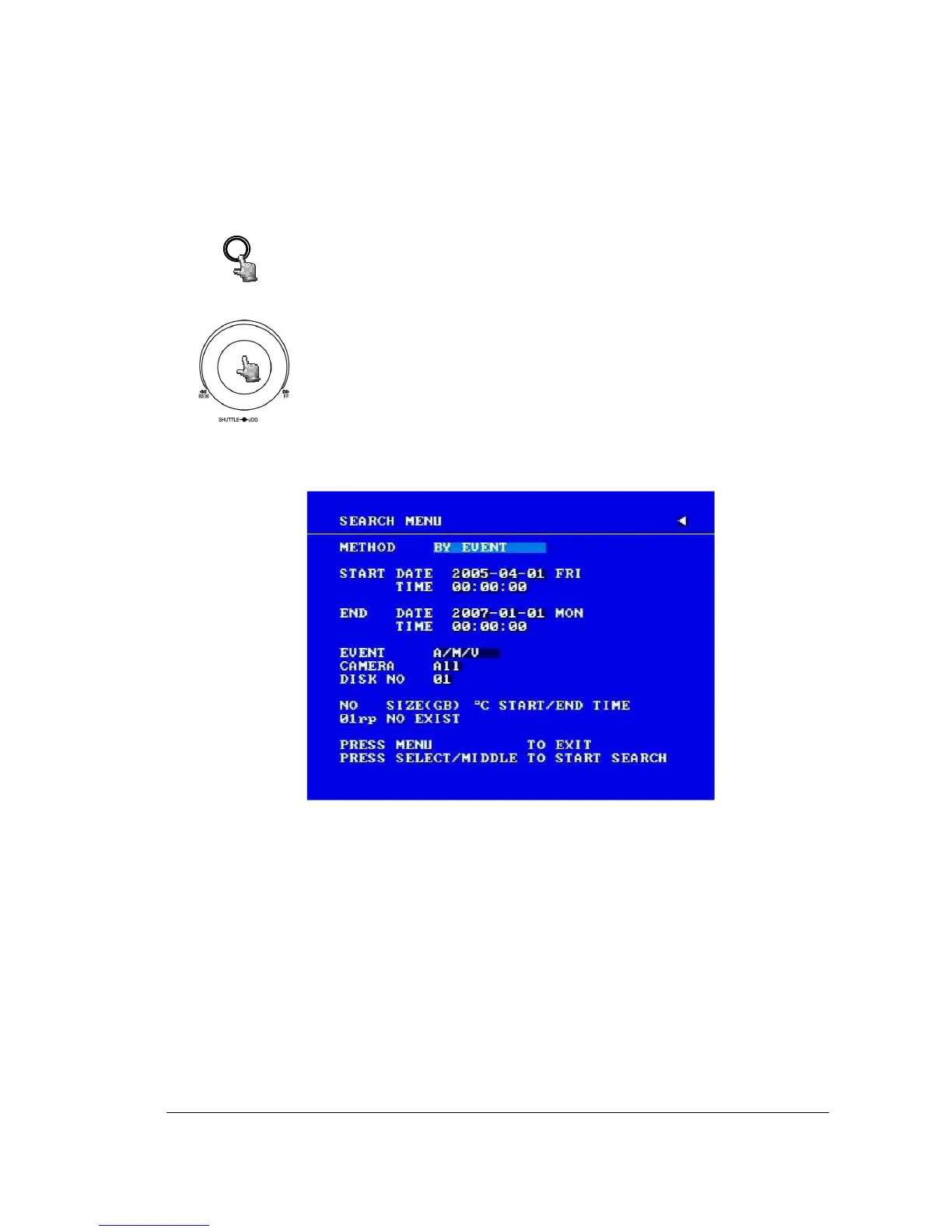
Diagram 5.1
Press SEARCH key to enter the SEARCH MENU.
clockwise or counterclockwise
to change subentry values.
Press ENTER key to go to next subentry in search menu setting,
and press the CALL key to go to previous subentry in search menu
setting.
Press MENU to exit.
Press SELECT or the tilt wheel of the mouse to start search.
(1) TIME / DATE Search Playback
A SEARCH MENU will show up after pressing SEARCH key. Select “BY
TIME / DATE”, and then select the start date/time you want to search. Then,
select the camera number and Disk Number to be searched. Lastly, press
SELECT or the tilt wheel of mouse to start search.














 To Next Page