116
116116
116
1
1
4
4
.
.
4
4
R
R
e
e
m
m
o
o
t
t
e
e
C
C
o
o
n
n
f
f
i
i
g
g
u
u
r
r
a
a
t
t
i
i
o
o
n
n
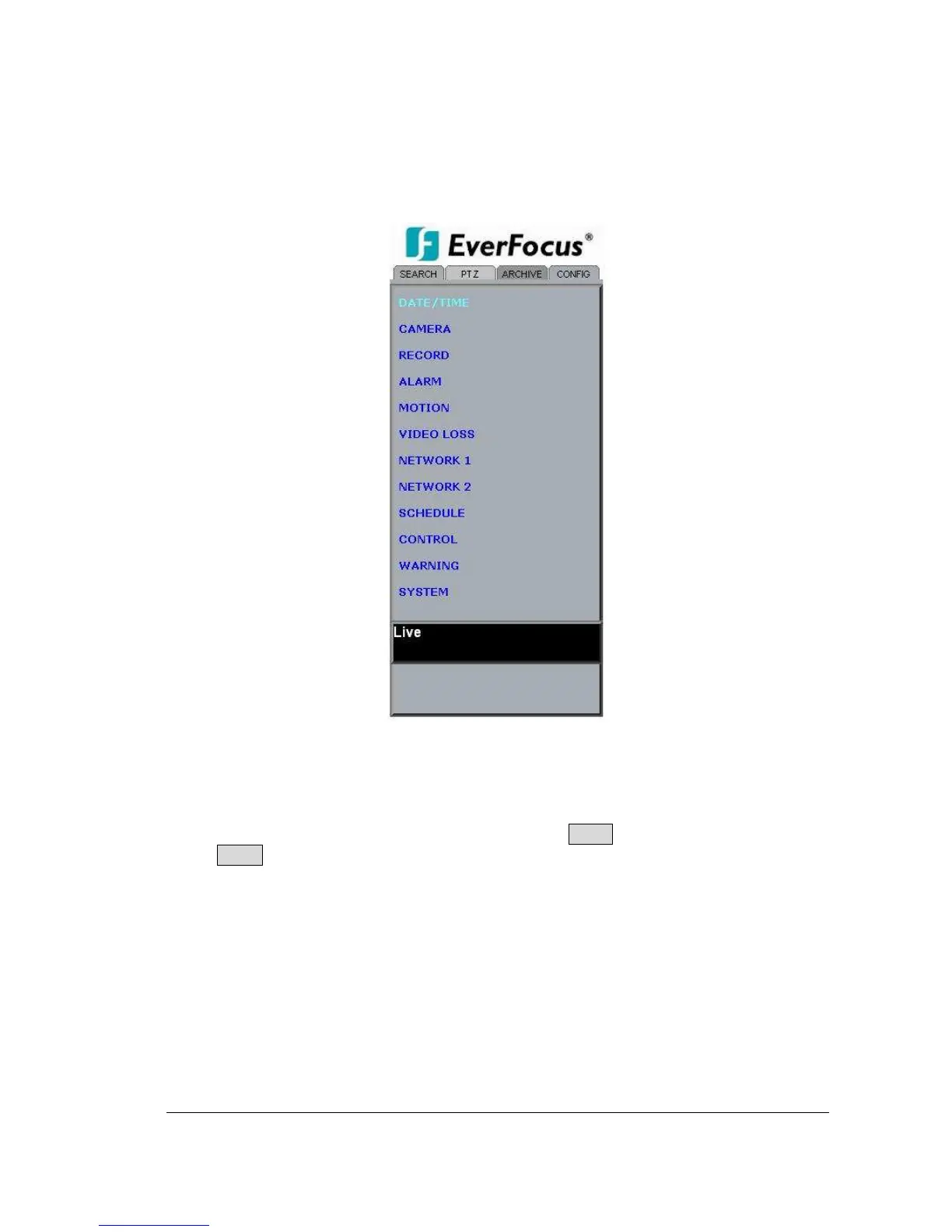
Click on the “CONFIG” tab to open a page where you can remotely change the DVR’s
settings. Click on each option to go to the settings for that page.
When you finish making changes on a screen, press Apply to save the settings.
Press Reset to display the DVR’s current menu settings.
The settings you make remotely in this page are virtually the same as the way you set up
the DVR itself, except for as noted in the following pages.














 To Next Page