115
115115
115
Note:
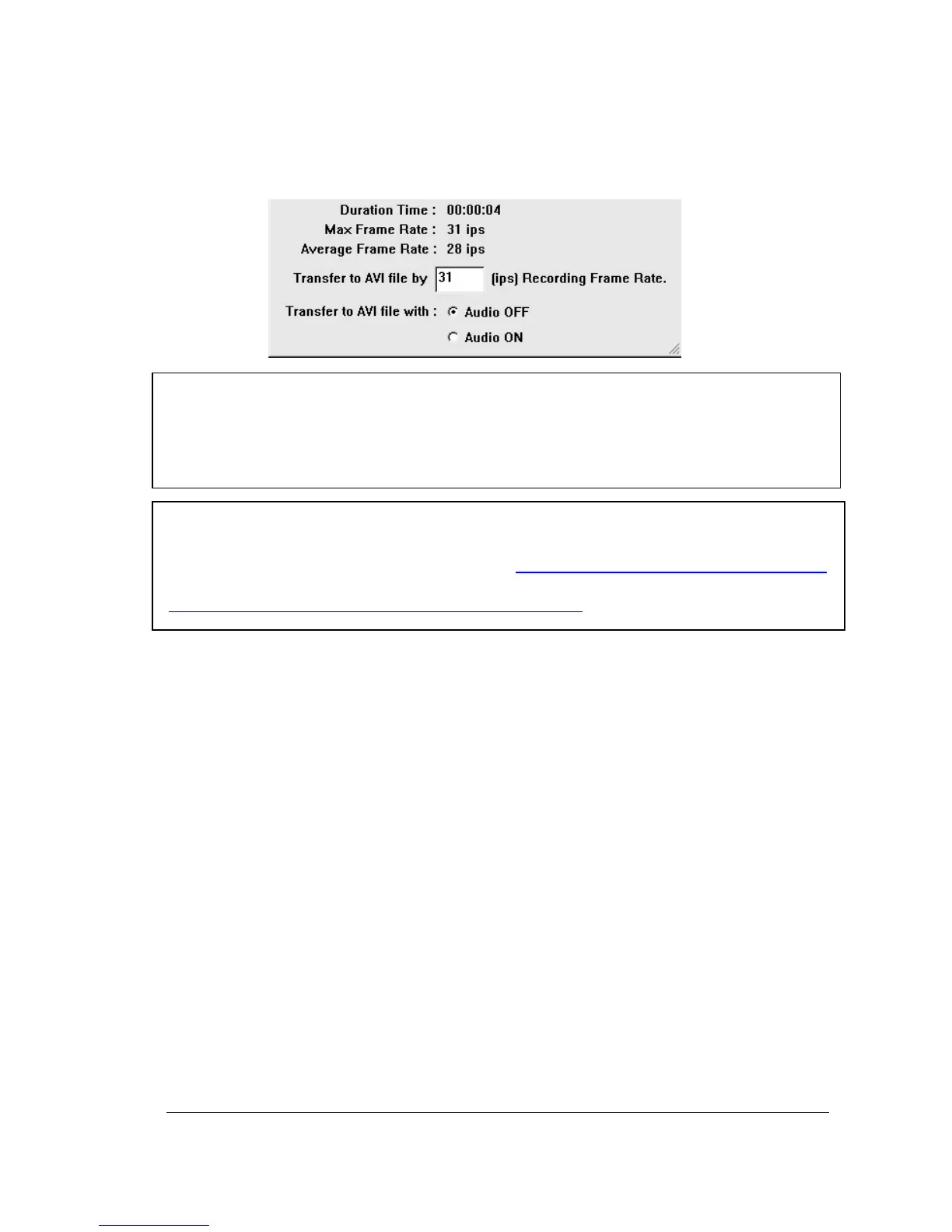
(1)The recording frame rate will be automatically calculated. It is suggested to use the
calculated Recording Frame Rate, although it is possible to change this value.
(2) If you wish to save the audio recorded, please select Audio ON, so that the audio can
be transferred to AVI file. Otherwise, select Audio OFF.
Note: If you are unable to play “AVI” file downloaded from “DVRViewer”, your PC may
require a video codec.
The codec can be found at the following URL: http://www.divx.com/divx/windows/codec/
If you continue to have problems or are unable to download this file, you can also try
http://www.cole2k.net/?display=Codec-Pack-Advanced














 To Next Page