109
109109
109
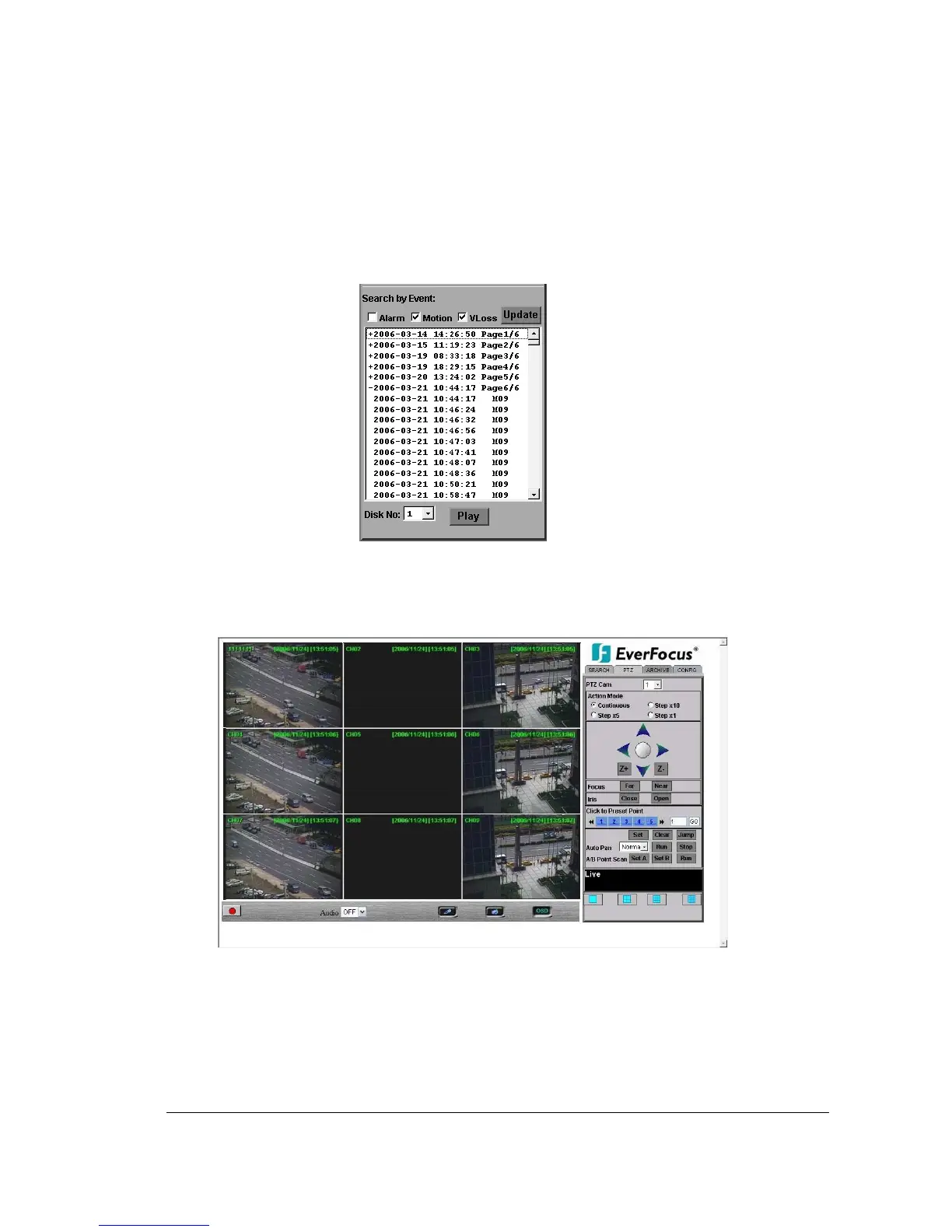
For example, M02 is a motion event from camera 2.
5. When there is a “+” sign in front of the date with page number at the end, double-click
to show all the events of that page.
6. Press Play button to playback the selected event.
1
1
4
4
.
.
2
2
P
P
T
T
Z
Z
c
c
o
o
n
n
t
t
r
r
o
o
l
l
1. Select the PTZ camera from drop-down menu.
2. Select Action Mode you want to use. There are 4 options available: Continuous,
Step x10, Step x5 and Step x1.
3. Use Direction Arrows (up, down, left, right) to move/adjust the focus to your desired














 To Next Page