53
5353
53
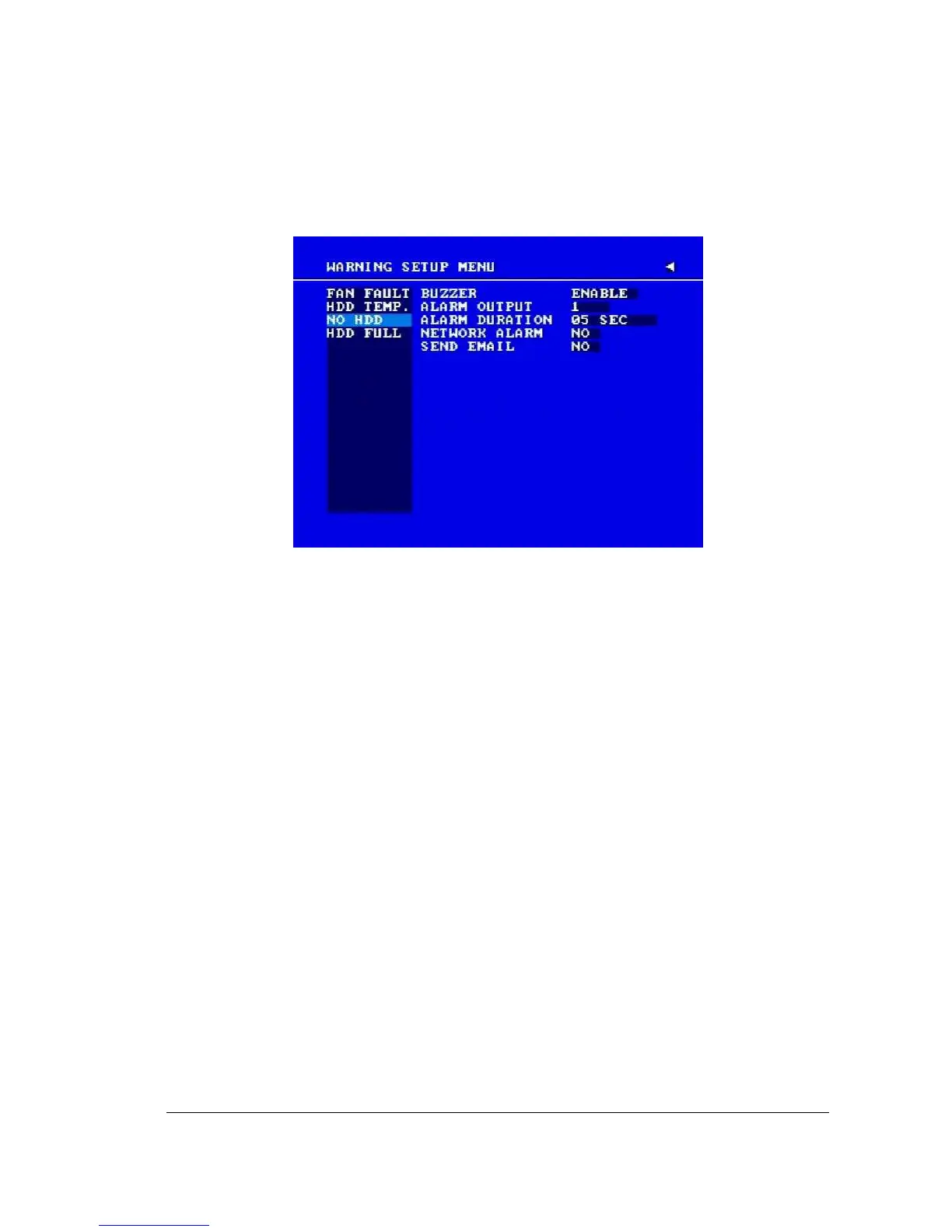
3.11.3 NO HDD
Diagram 3.21
In NO HDD, we define:
1. BUZZER: NO HDD buzzer.
ENABLE: To enable a buzzer when no HDD is detected.
DISABLE: To disable NO HDD buzzer.
2. ALARM OUTPUT
This will transmit a signal to another device. The setting of alarms are NONE = not
activated, 1 = output signal 1 transmits, 2 = output signal 2 transmits, 3 = output
signal 3 transmits and 4 = output signal 4 transmits. To change this, simply use the
Jog Dial on the DVR.
(Only EDVR16D3 model has 4 alarm outputs. All others have only 1 alarm output).
3. ALARM DURATION
The length of time the buzzer remains active. This can be set from 1 sec to 99 seconds or
permanent. The default value is 5 seconds.
4. NETWORK ALARM
YES: To enable network alarm.
NO: To disable network alarm.














 To Next Page