41
4141
41
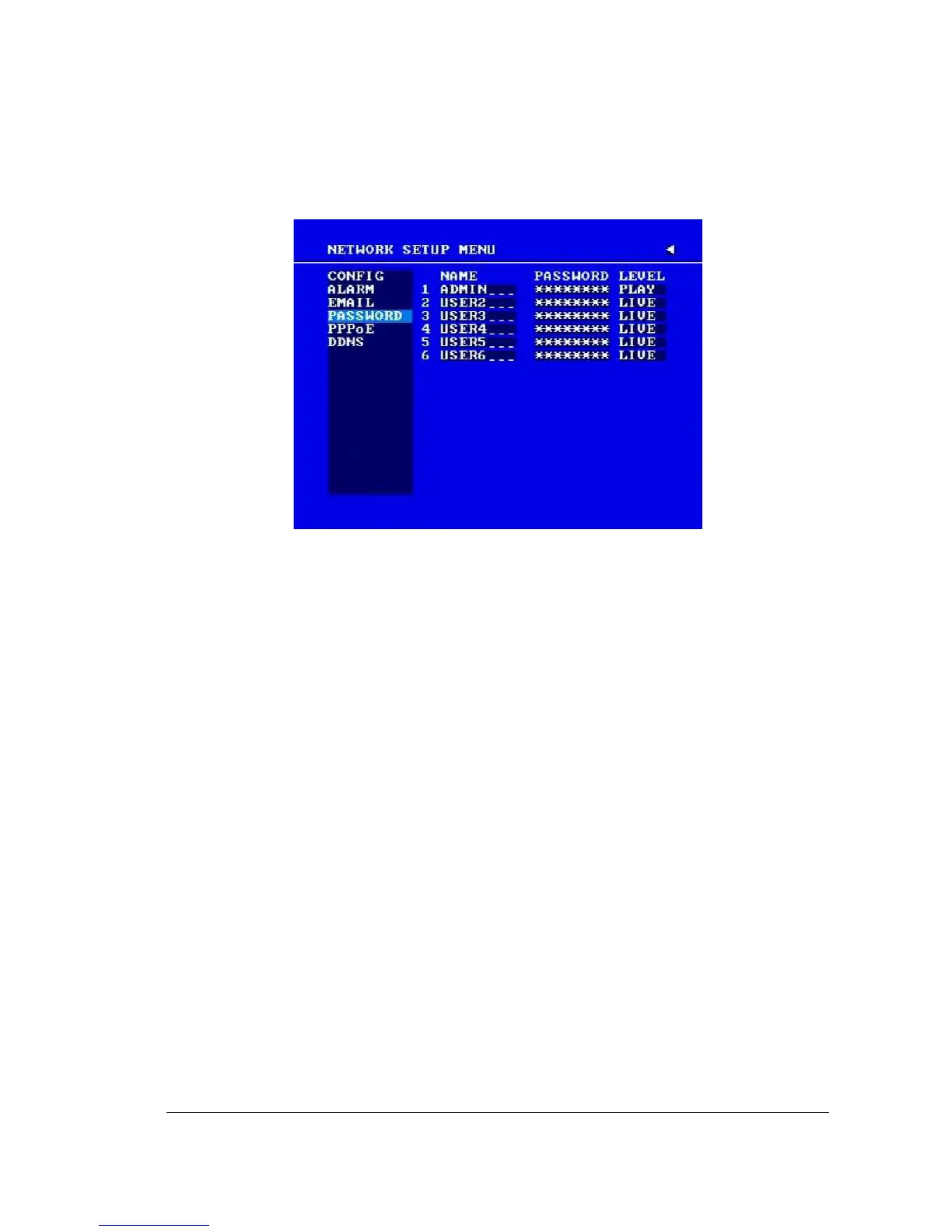
3.7.4 PASSWORD
Diagram 3.13
In the PASSWORD of the NETWORK SETUP MENU, we define:
Name/Password/Level: This category is to set up the users that will log into the network.
Please remember that this portion of the Network setting menu is set up in column format.
The default User Name = ADMIN
The default Password = 11111111 (numeric only)
To change this, press Enter to move to each character and use the Jog Dial on the
DVR to change each character.
There are 3 level types:
1. Admin: User has all the rights including viewing live video, performing a search,
playback and controlling the PTZ camera (if one is connected)
2. Play: User has the same rights as Admin user. Except PTZ programming and Remote
configuration are not authorized to Play level users.
3. Live: Allows user only to view live video














 To Next Page