54
5454
54
5. SEND EMAIL:
YES: Send an email when no HDD has been found.
NO: Will not send an email when no HDD has been found.
The email settings can be set in the NETWORK SETUP MENU.
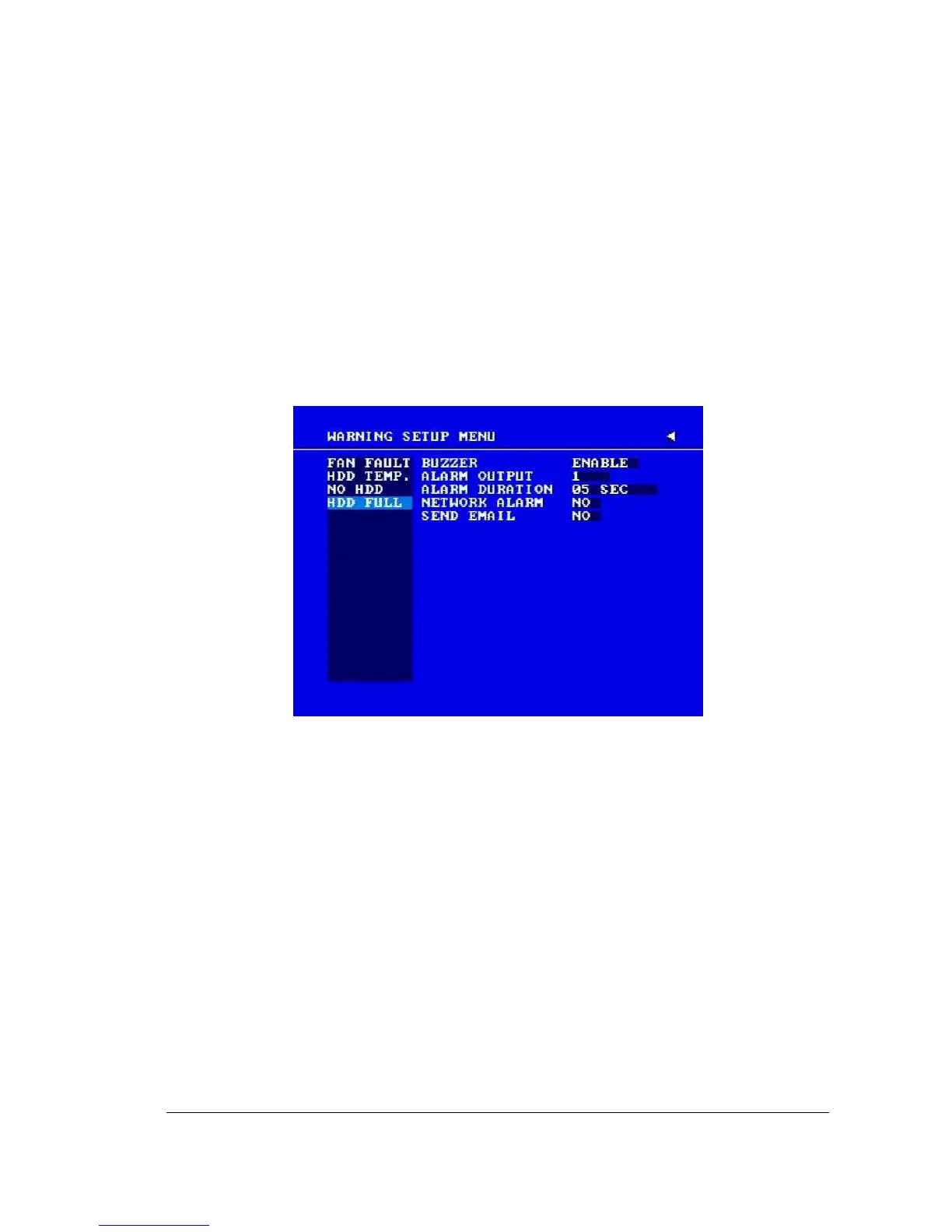
3.11.4 HDD FULL
Diagram 3.22
In HDD FULL, we define:
1. BUZZER: HDD FULL buzzer.
ENABLE: To enable a buzzer when HDD is full.
DISABLE: To disable HDD Full buzzer.
2. ALARM OUTPUT
This will transmit a signal to another device. The setting of alarms are NONE = not
activated, 1 = output signal 1 transmits, 2 = output signal 2 transmits, 3 = output
signal 3 transmits and 4 = output signal 4 transmits. To change this, simply use the
Jog Dial on the DVR.
(Only EDVR16D3 model has 4 alarm outputs. All others have only 1 alarm output).














 To Next Page