55
5555
55
3. ALARM DURATION
The length of time the buzzer remains active. This can be set from 1 sec to 99 seconds or
permanent. The default value is 5 seconds.
4. NETWORK ALARM:
YES: To enable network alarm.
NO: To disable network alarm.
5. SEND EMAIL:
YES: Send an email when HDD is full.
NO: Will not send an email when HDD is full.
The email settings can be set in the NETWORK SETUP MENU.
3
3
.
.
1
1
2
2
S
S
y
y
s
s
t
t
e
e
m
m
S
S
e
e
t
t
u
u
p
p
M
M
e
e
n
n
u
u
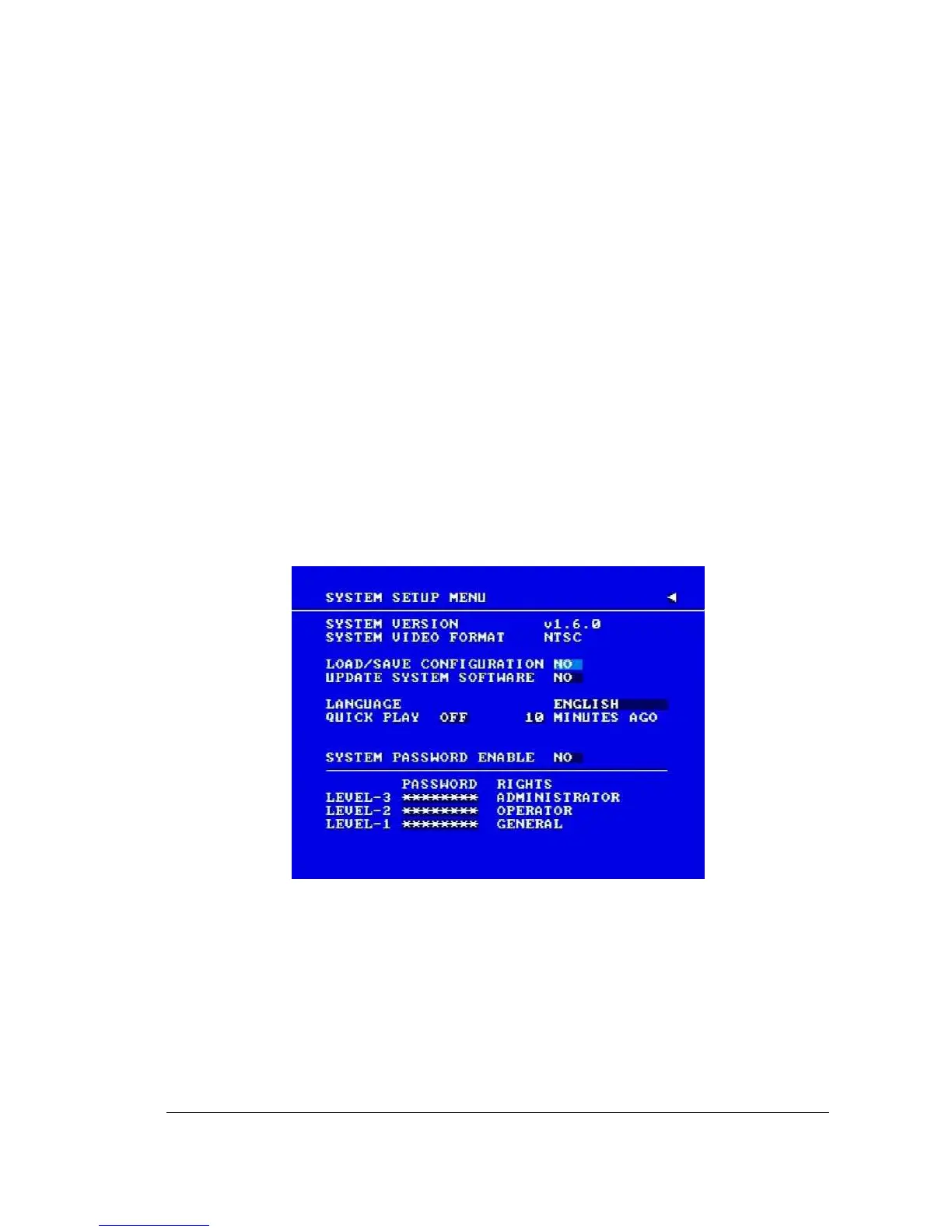
Diagram 3.23
Diagram 3.23 is a screen shot of the SYSTEM SETUP MENU. This menu is for setting up
any additional options and restoring defaults to the digital recorder.
In the SYSTEM SETUP MENU the following fields are defined:
1. SYSTEM VERSION: Current system firmware version.














 To Next Page