26
2626
26
3
3
.
.
3
3
R
R
e
e
c
c
o
o
r
r
d
d
S
S
e
e
t
t
u
u
p
p
M
M
e
e
n
n
u
u
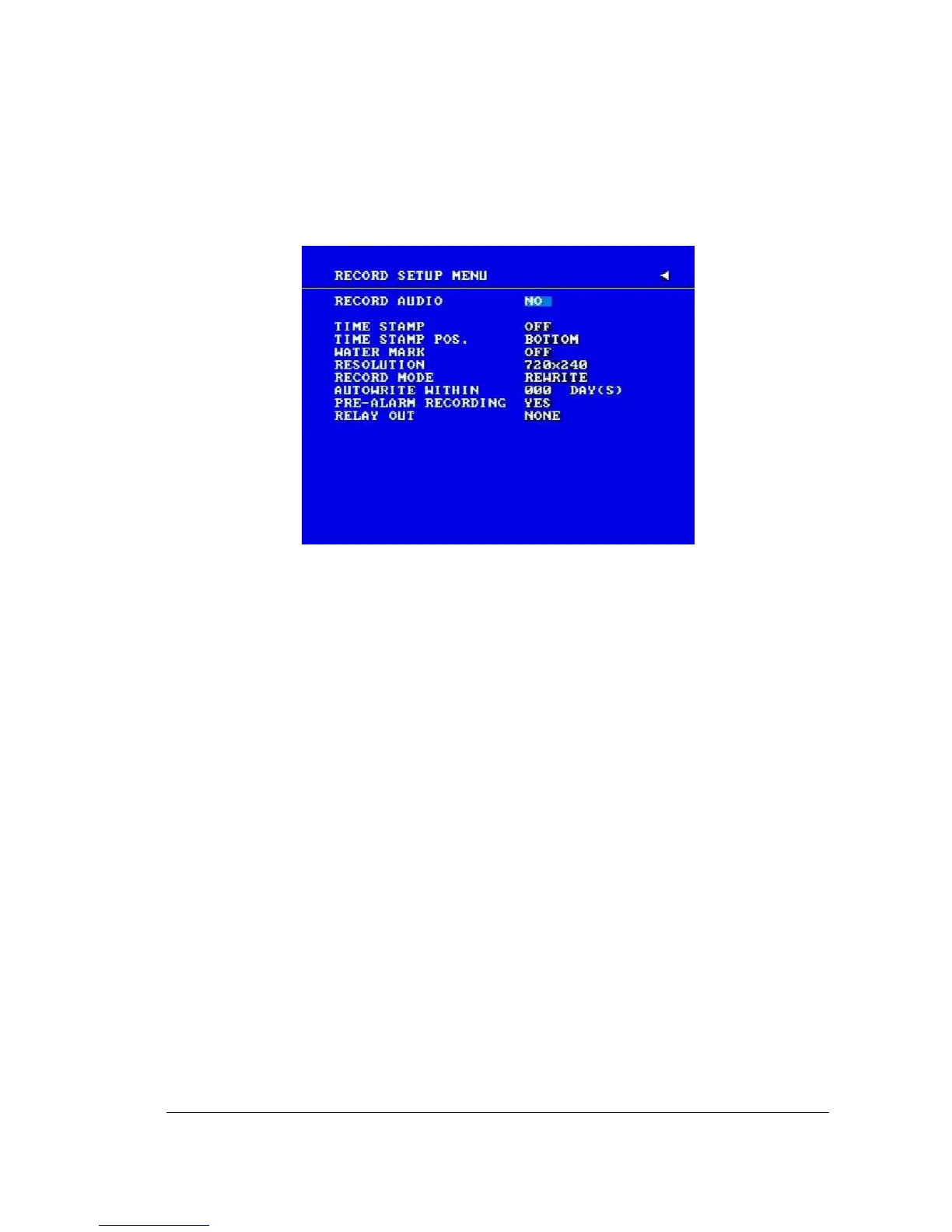
Diagram 3.6
Diagram 3.6 is a screen shot of the RECORD SETUP MENU. This menu is for setting
up the options for recording.
In the RECORD SETUP MENU the following fields are defined:
1. RECORD AUDIO
YES: Audio will be recorded when machine is recording and a microphone is present.
NO: Audio will not be recorded when machine is recording.
2. TIME STAMP
ON: The time stamp will be recorded on the video and picture when recording.
OFF: The time stamp will not be recorded on the video and picture when recording.
3. TIME STAMP POSITION
BOTTOM: The time stamp will be recorded on the bottom.
TOP: The time stamp will be recorded on the top.
4. WATER MARK
ON: Recording is overlaid by a visible watermark (“W”).
OFF: No watermark.














 To Next Page