112
112112
112
and second to be searched. Move the slide bar to the left to decrease the value,
or to the right to increase the value.
3) Enter Month, Day, Hour, Minute, and second directly in display bar.
4) Press OK to select time.
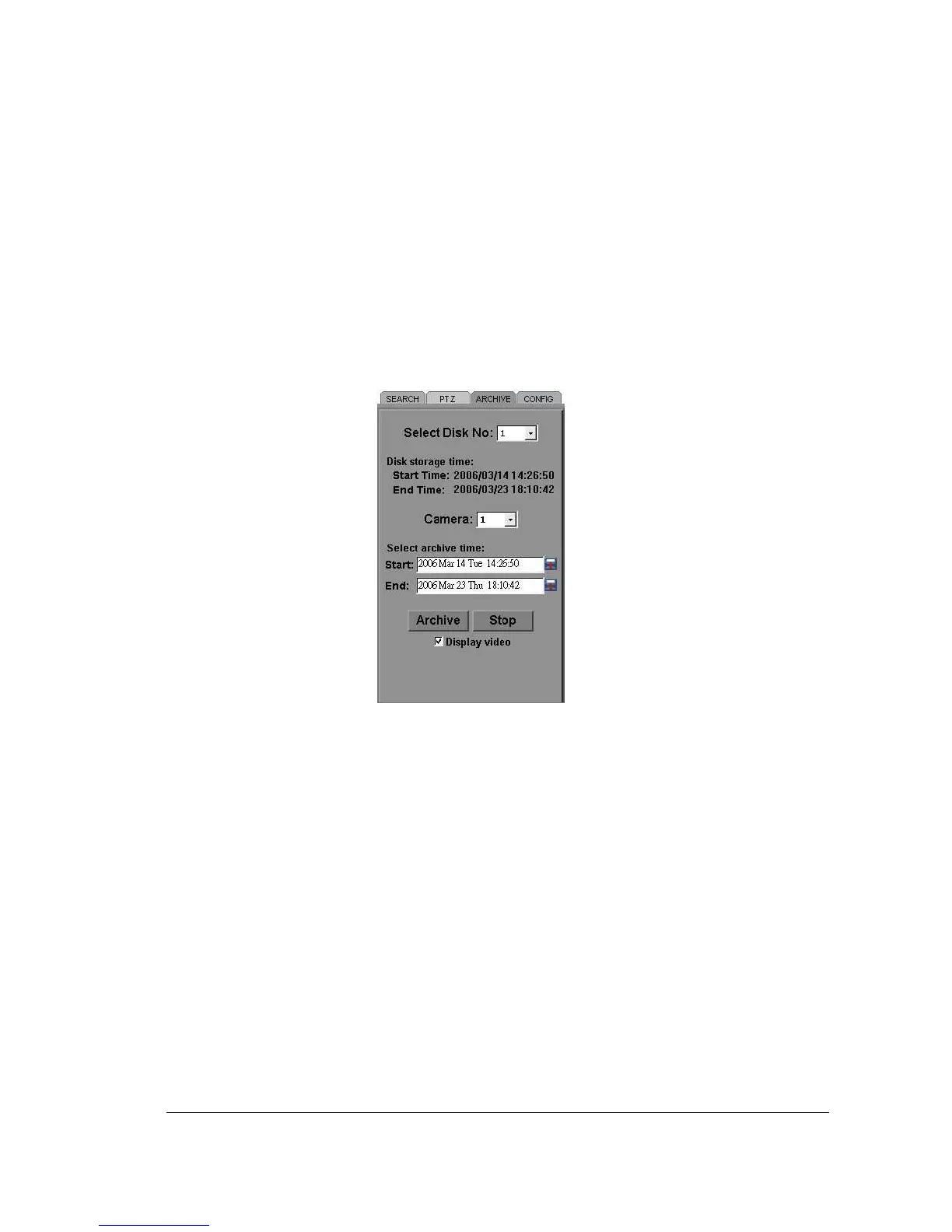
6. Press ARCHIVE button to start archiving. An “.arv” file will be saved.
7. Press STOP button if you wish to cancel archiving.
8. Check “Display video”, if you wish to display what you are archiving on the screen
while archiving file at same time.














 To Next Page