136
136136
136
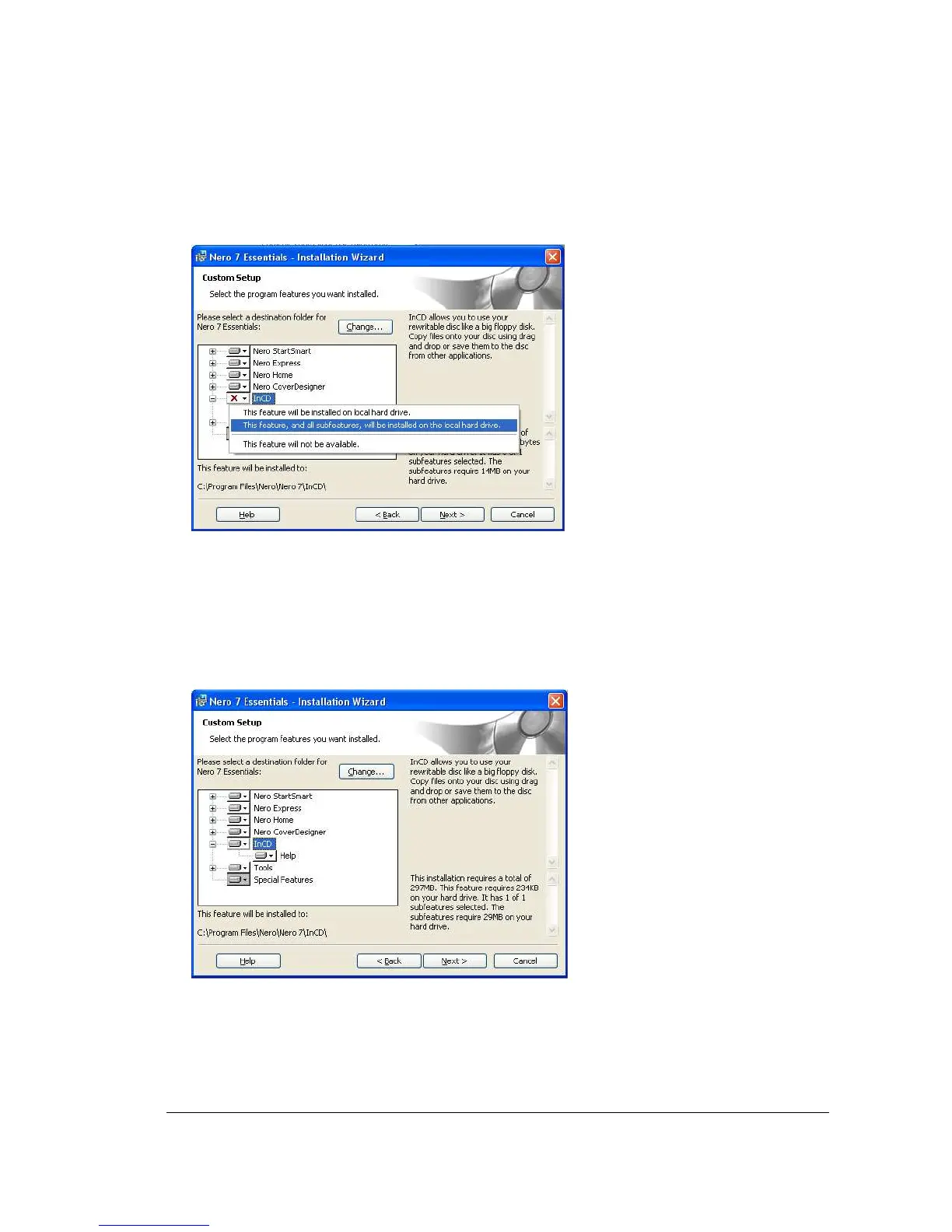
9. Right click on “InCD”, and select “This feature, and all subfeatures, will be installed on the
local hard drive”.
10. At the right bottom part of wizard, it indicates the information about the hard drive capacity it
requires for installation and feature. As well as the number of subfeatures selected, and the hard
drive capacity required for subfeatures.














 To Next Page