69
6969
69
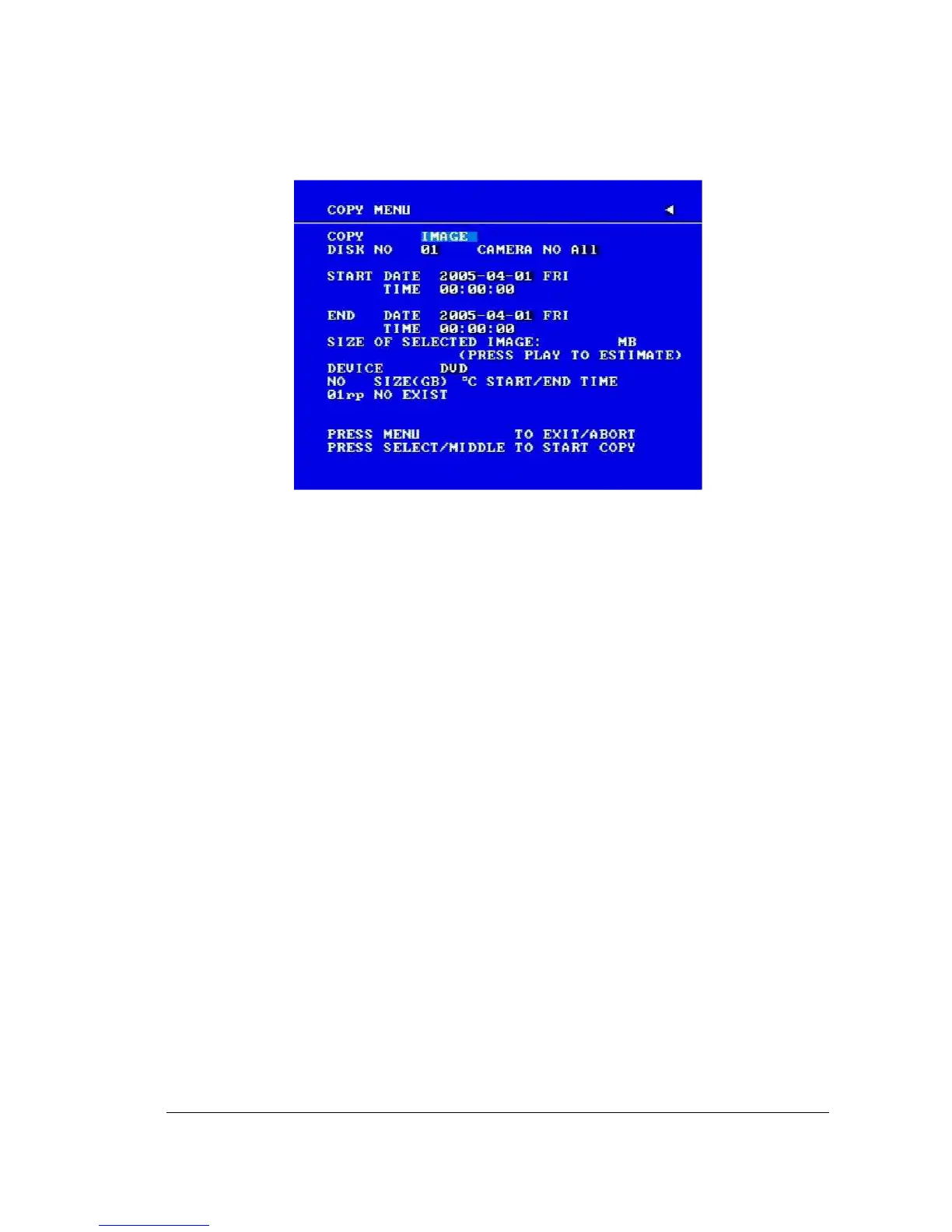
Diagram 6.1
In the COPY MENU, we define:
1. COPY
Select Image (video) for copying images/video to movie file.
Select Viewer for copying DVRViewer player.
2. DISK NO
Disk number you wish to copy from.
3. CAMERA NO
Camera channel number. You can select t individual cameras or ALL cameras.
If you select ALL cameras while you are recording, DVR will stop recording temporarily,
until copy process is terminated.
4. START DATE & TIME: The start time of video you want to copy.
END DATE & TIME: The end time of video you want to copy.
5. SIZE OF SELECTED IMAGE: __ MB (PRESS PLAY TO ESTIMATE)














 To Next Page